

Repetitive tasks
Reduce avoidable copying and follow-up by connecting agreed steps in your existing workflow.
CODEYEA
We answer the same questions and copy every new request into our customer list.
Put your business information and everyday processes to work. CODEYEA develops AI assistants and automated workflows around the tools your team already uses, with clear responsibilities and human review where it matters.
Start with one useful task, test the approach and build from there.
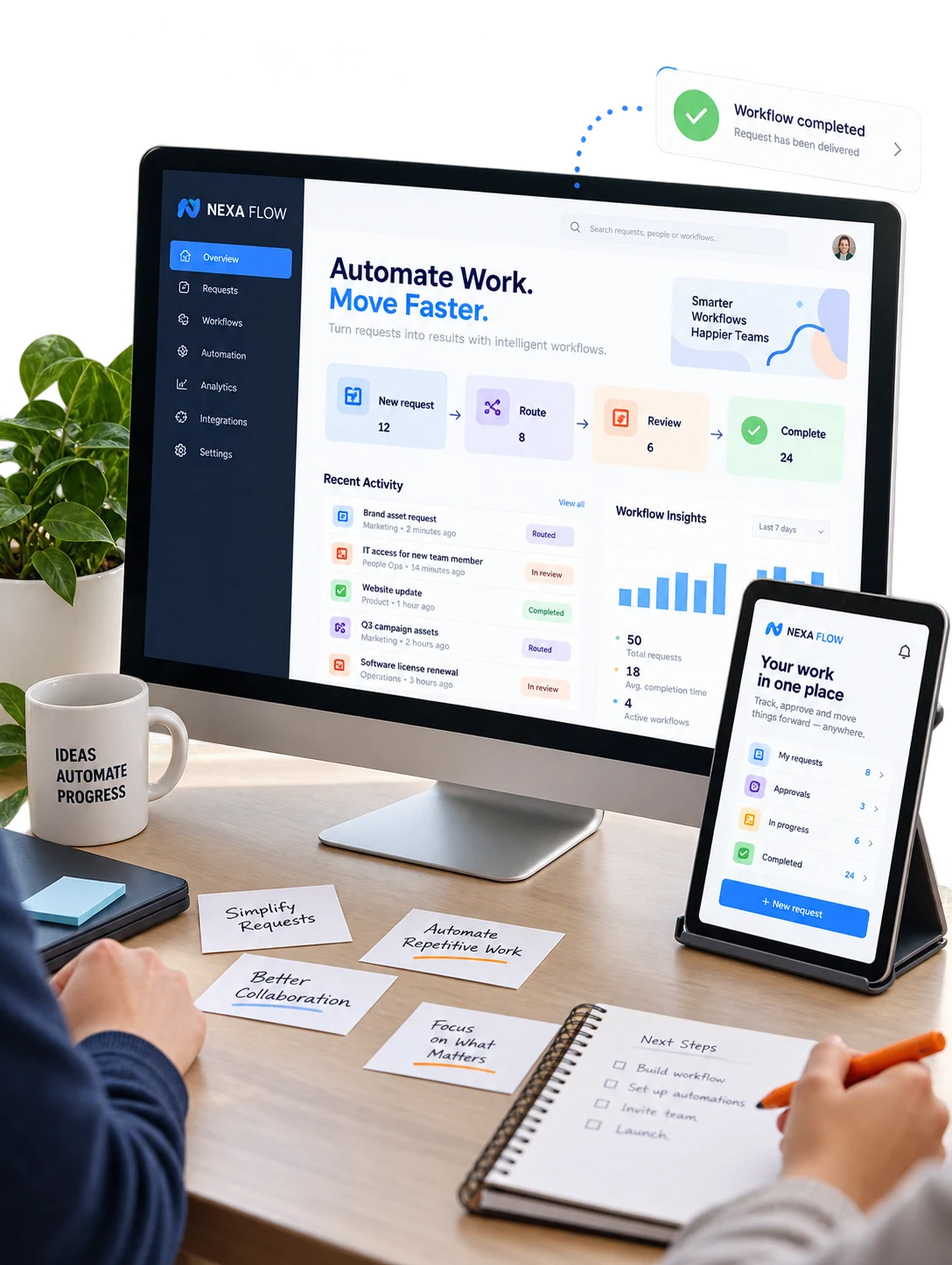
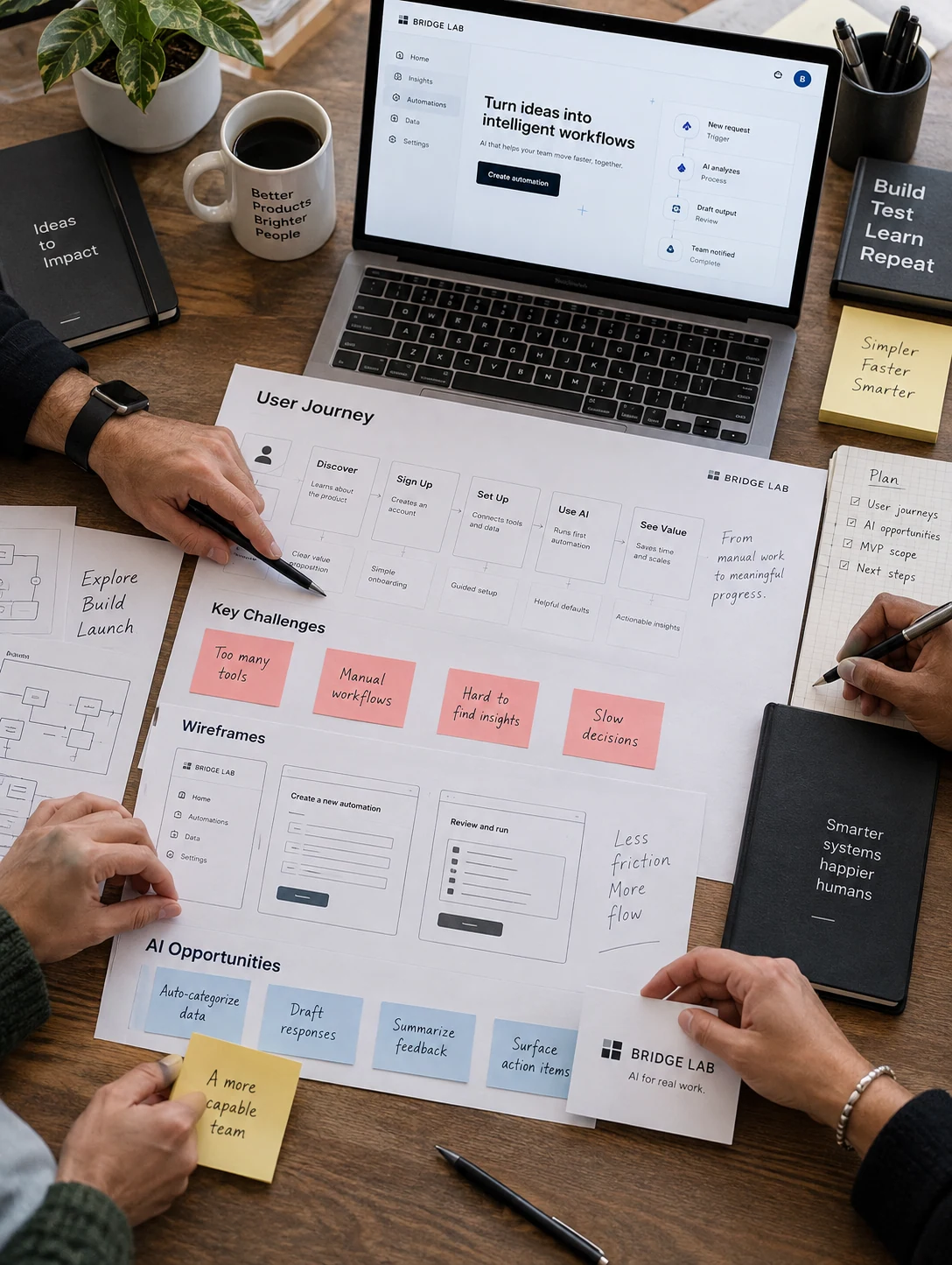
Teams often move information between disconnected tools, answer the same questions and spend time tracking routine tasks. Adding AI without a defined purpose can make those processes harder to manage.
We identify a practical starting point, review the available information and map where automation can support the work. Access, exceptions and approval steps are considered before implementation.
Reduce avoidable copying and follow-up by connecting agreed steps in your existing workflow.
Help teams find useful answers within approved sources, with clear limits on access and use.
Define what runs automatically, what needs approval and who handles an exception.
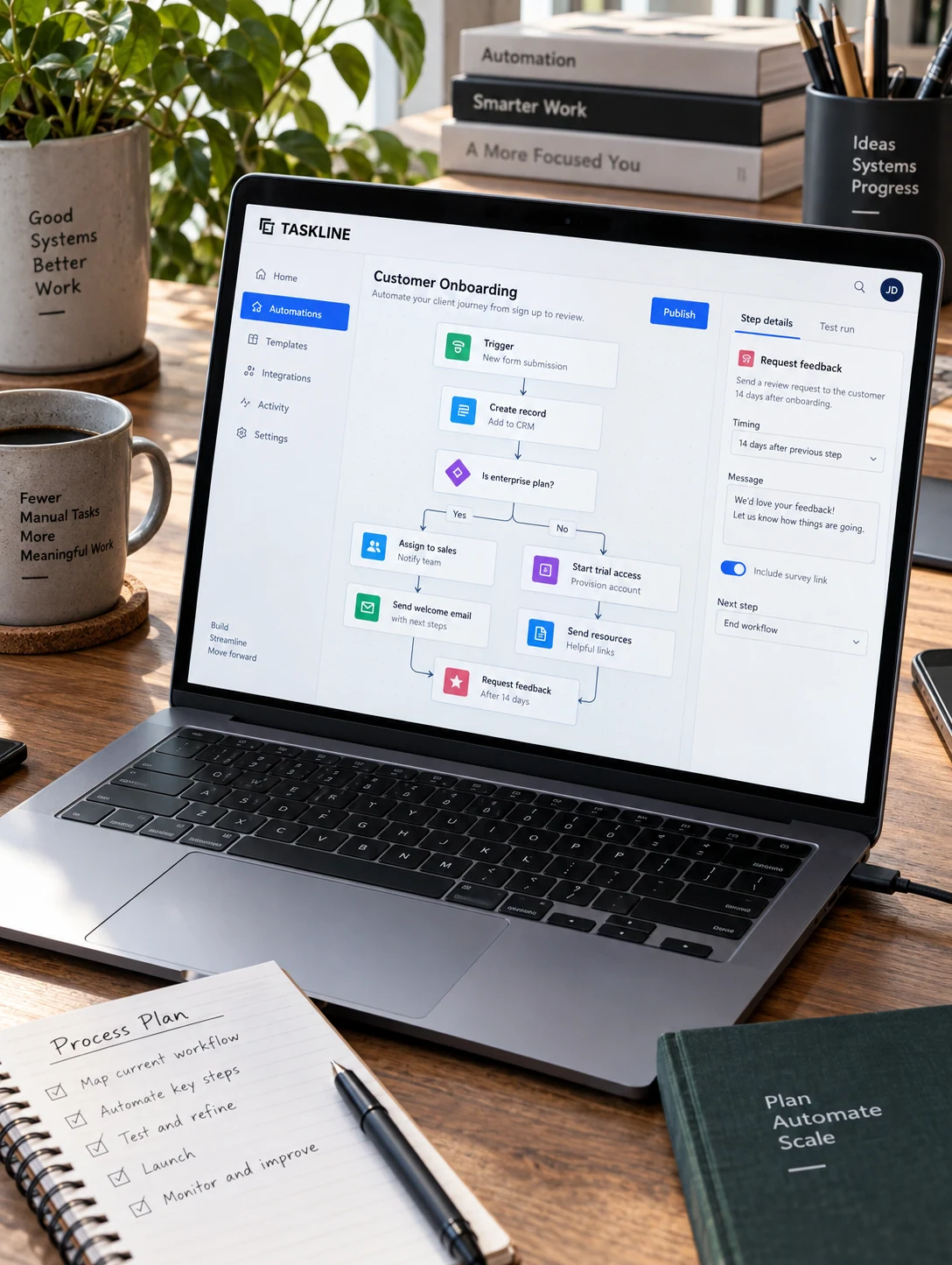

We begin with the people, information and systems involved. Together, we define a focused use case and a manageable scope before building the solution.
Map the task, the people and the information involved. Identify a useful starting point for your business.
Agree on the scope, system access, integrations and review requirements before implementation.
Configure the assistant or workflow, connect supported systems and test representative situations.
Prepare the handoff, explain controls and review the solution before planning further improvements.
practical workflows and human judgement to build systems your team can understand and use.
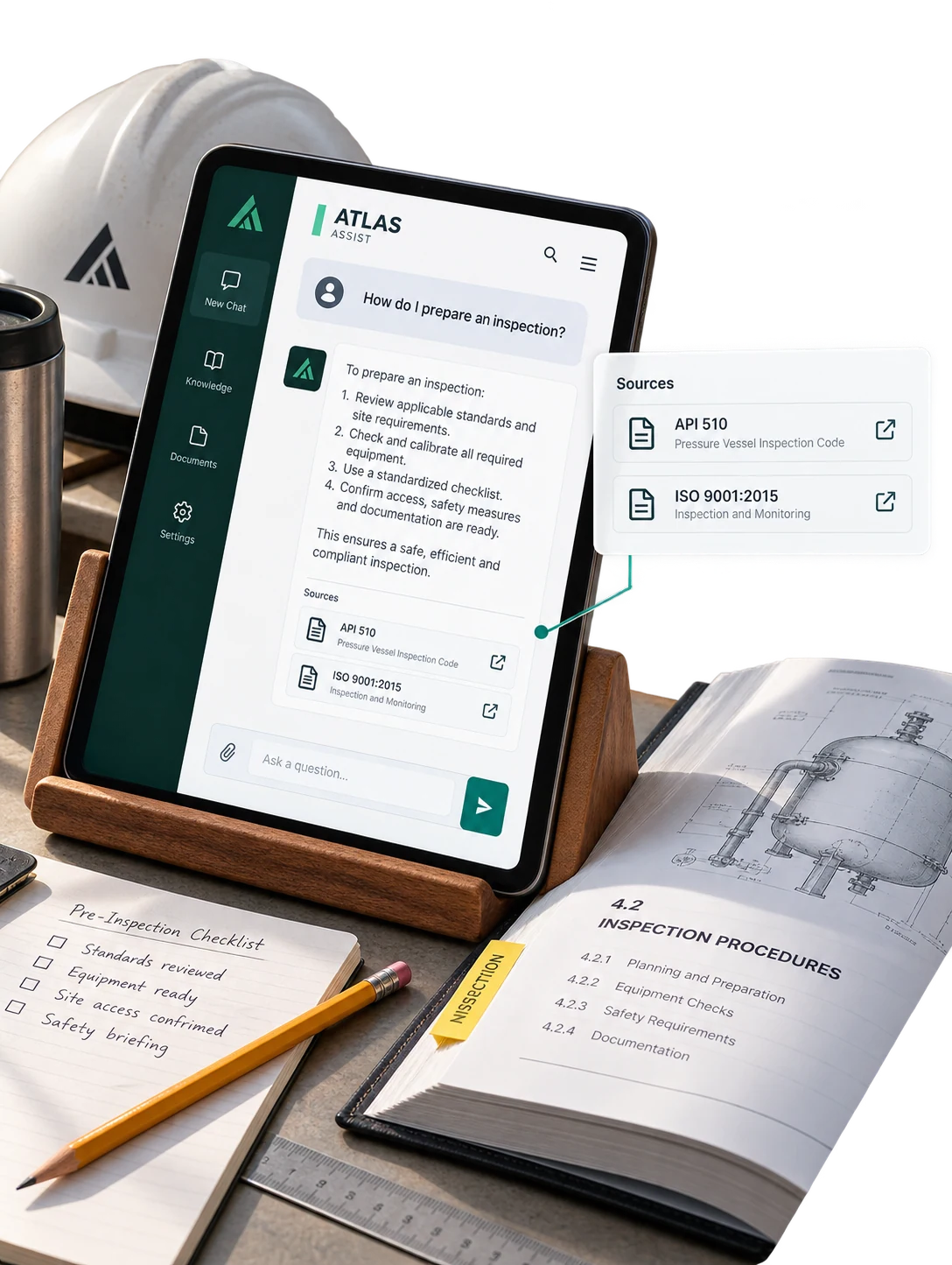
A scoped assistant retrieves relevant approved material, shows its source and offers a human handoff when needed.

Connect incoming customer requests to the right team, required information and a clear follow-up status.

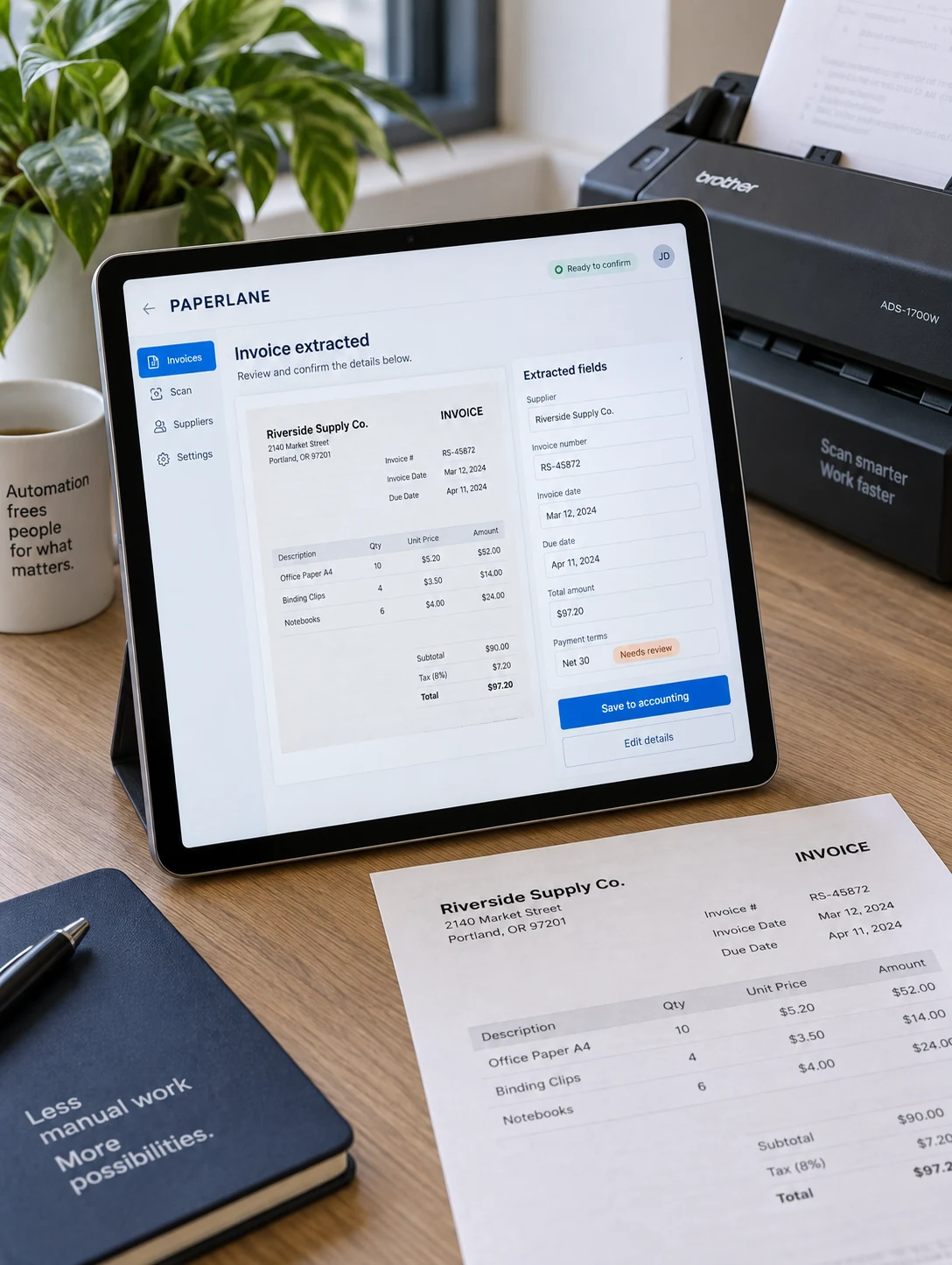
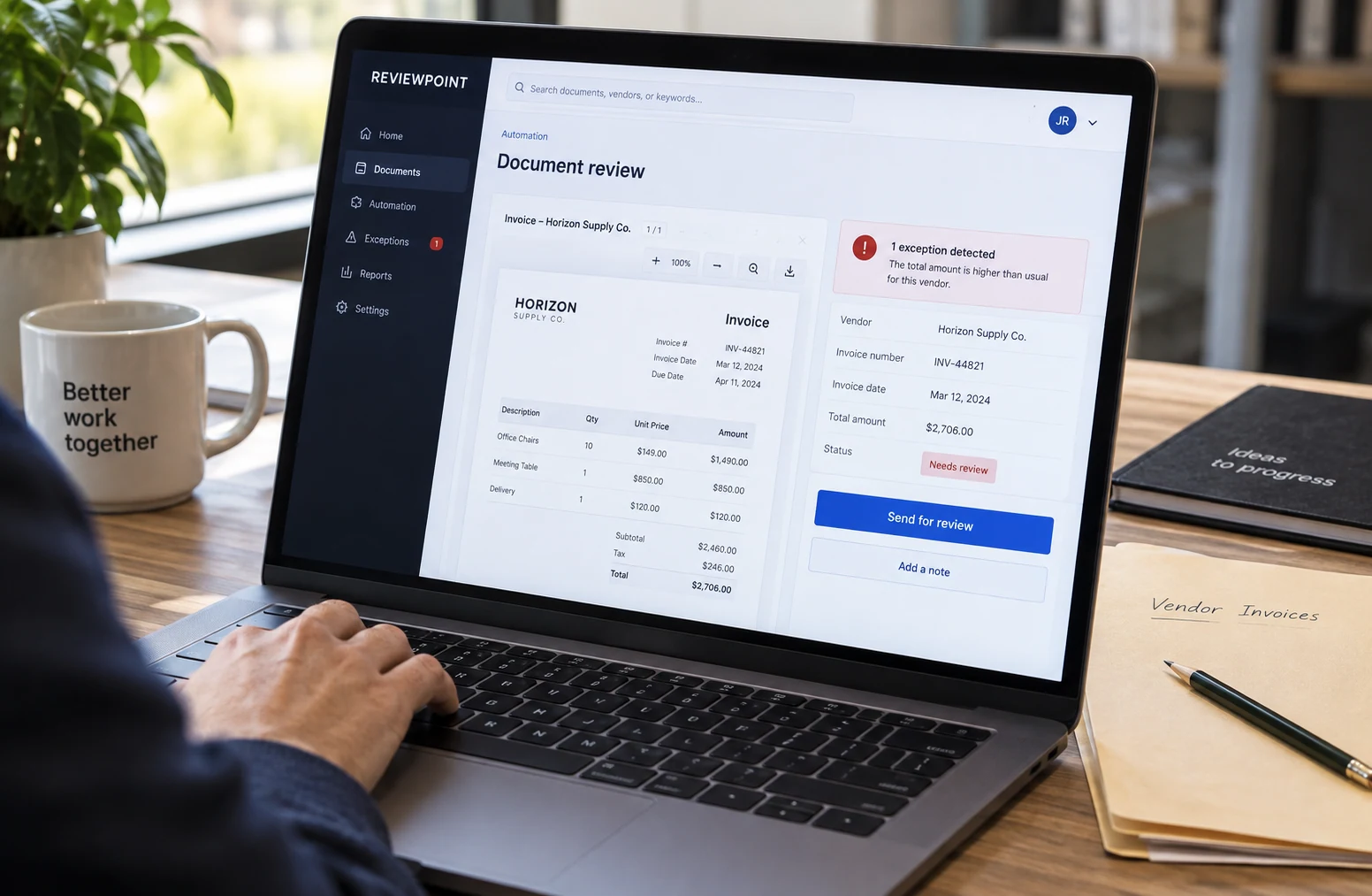
Extract agreed invoice fields, flag missing information and route the prepared record for human approval.

Connect agreed order events to stock and fulfilment tasks while preserving traceable updates and exceptions.

Help staff find relevant procedures and supporting documents within defined permissions and review boundaries.

Turn approved business information into draft campaign material that a person checks before publication.
Help customers find answers, give your team a clearer way to search internal knowledge, and turn approved information into useful drafts. We define the sources, access rules and review points around each assistant.
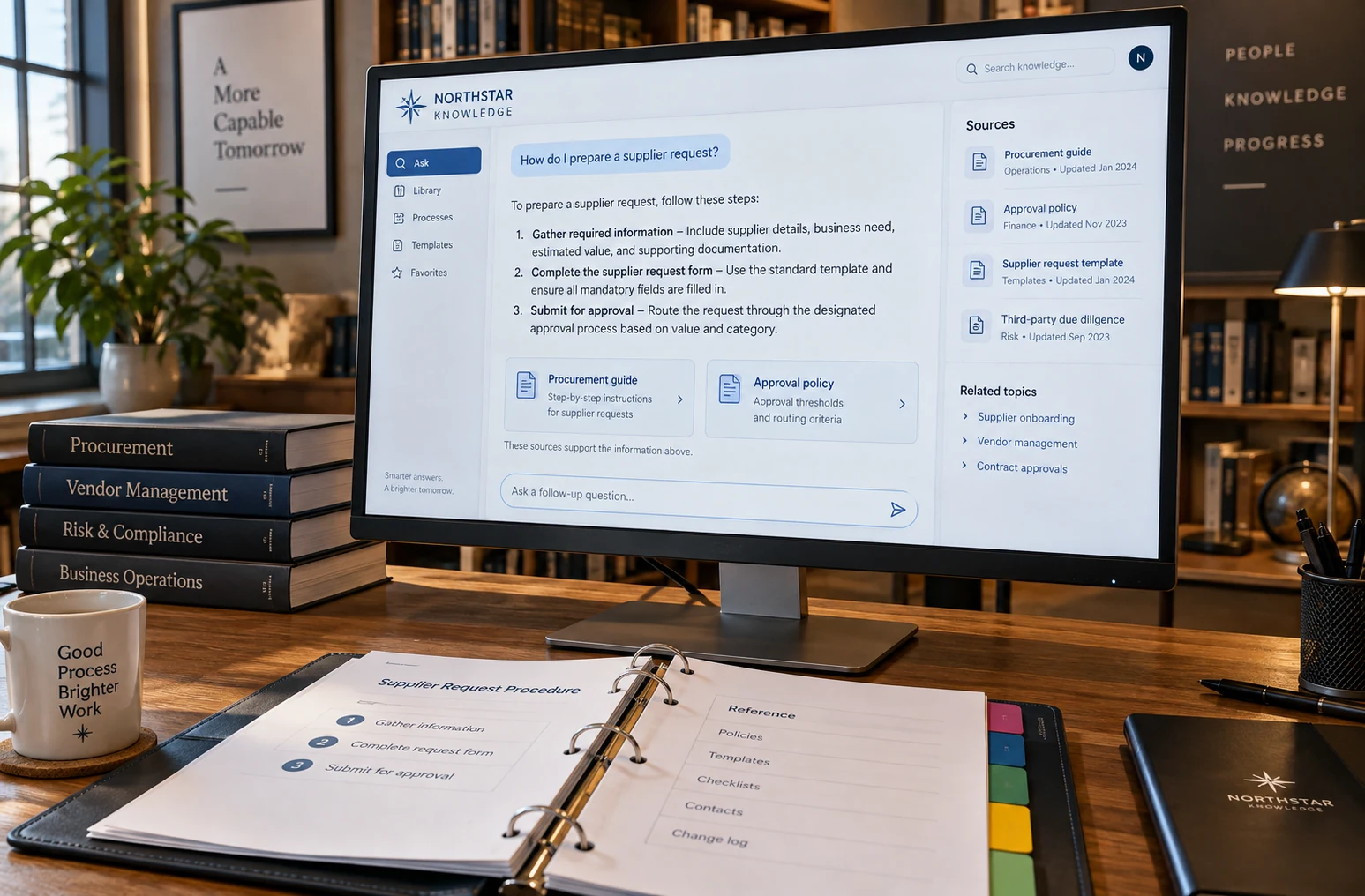
Build a clear path from an incoming request to a completed task. We connect supported tools, map what should happen automatically and define when a person needs to review the result or handle an exception.

Connect the systems your team already uses with a practical plan for reliable day-to-day operation. We agree who can access information, test expected and unexpected situations, and provide guidance for managing the delivered connection.
Start with a task that takes time every day: answering recurring questions, finding information or moving data between tools. We map the workflow with your team and agree on what a useful result should look like.
Discuss Your Requirements ↗Define who can access information, which actions need approval and when a person should step in. Clear permissions, review points and exception handling help your team use the solution with confidence.
Discuss Your Requirements ↗Review the workflow with real examples and feedback from the people using it. Refine the responses, connections and handoffs, then prioritise the next improvement around the needs of your business.
Discuss Your Requirements ↗We assess repetitive tasks, access to approved information and connections between the tools you use. The solution depends on your processes and project scope.
We evaluate available integrations, permissions and platform capabilities before confirming the scope.
Review points, permissions and exception handling are agreed for each workflow.
We begin with the task, its users, approved information sources and the systems involved.
We test agreed scenarios, review responses and check how the workflow handles exceptions before handoff.