

Manage with clarity.
Make routine tasks easier while keeping access appropriate to each role.
- Staff roles and permissions
- Service pages and news updates
- Enquiry routing and contact records
Turn your business into a clear, compelling online experience. CODEYEA connects thoughtful design, practical development and easy content management to help visitors understand your offer and take the next step.
CONNECT YOUR BRAND, CONTENT AND CUSTOMER ENQUIRIES IN ONE CLEAR WEBSITE EXPERIENCE.
Organise pages, services and navigation around the questions your visitors bring. Give every page a clear purpose, useful information and a natural next step.
Connect clear calls to action, accessible forms and relevant integrations. Help visitors request a quote, arrange a conversation or find the information they need.
Update services, publish articles and manage media through practical editing tools. Give your team appropriate permissions and a clear process for keeping the website current.
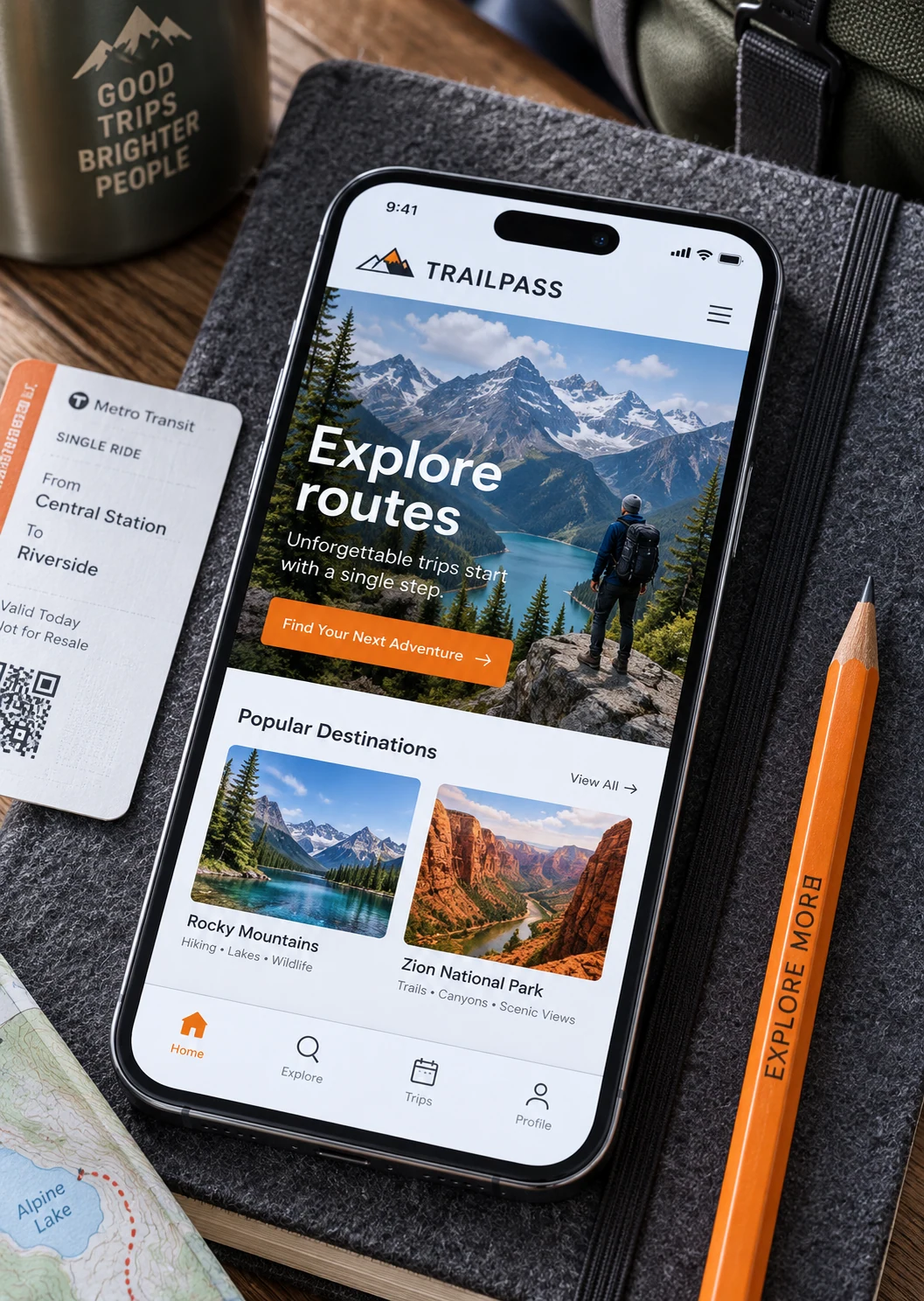
Your website should make it easy to understand your business, trust your expertise and start a conversation. We plan the content, navigation and page structure around your audience, then bring them together through responsive design and practical development. Every important journey has a purpose, from discovering a service to requesting a proposal.
A successful website needs more than a launch. Clear content, reliable performance and ongoing improvements help it stay useful as your business grows. We plan manageable editing tools, enquiry workflows and measurement from the beginning, so your team can keep information current and learn from the way visitors use the site.
Practical publishing tools designed around your content, team and daily decisions.
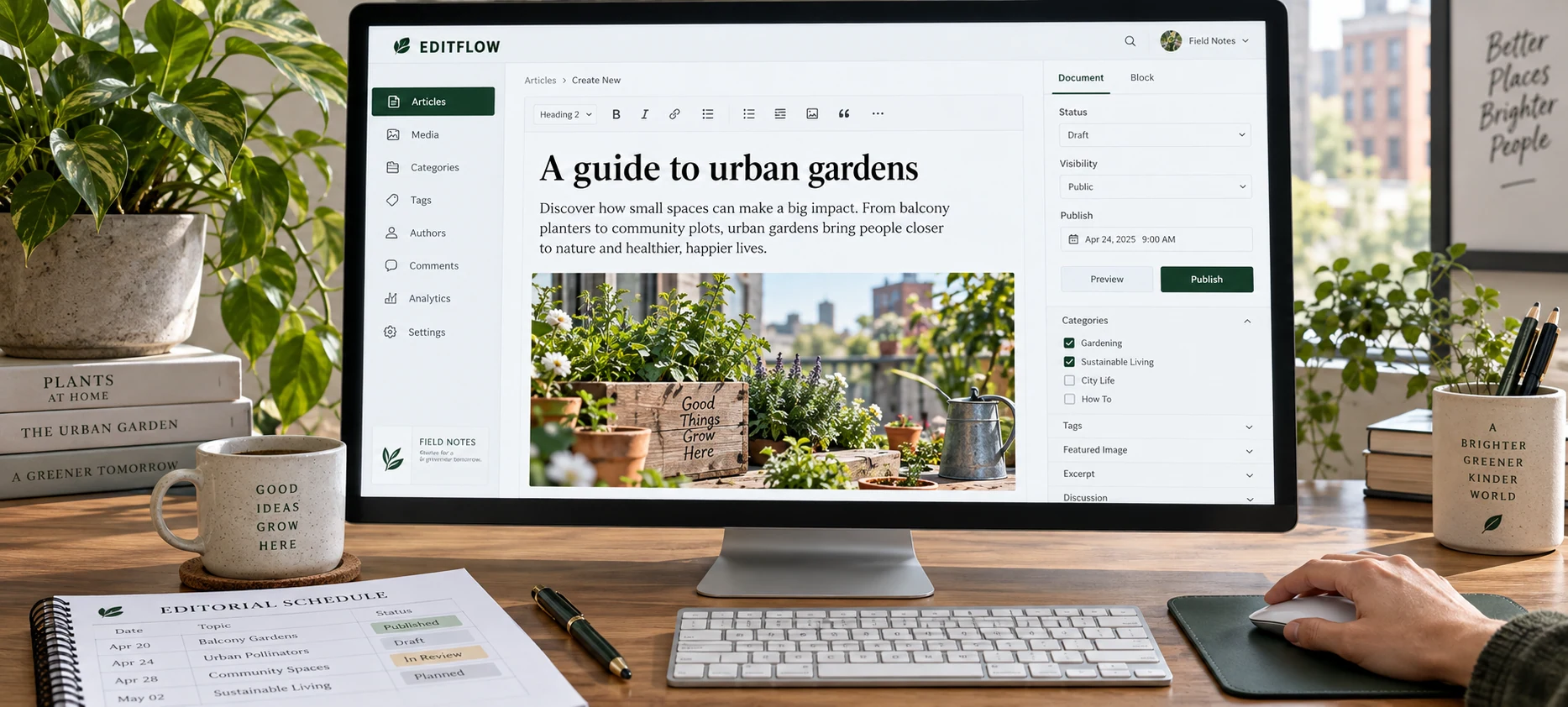
Make routine tasks easier while keeping access appropriate to each role.
Organise content so visitors can find answers and your team can maintain them.
Connect website enquiries to a practical workflow for your team.
A Custom CMS is a content management system built around your business. We can create a clear workspace for your pages, services, projects and enquiries, with the fields and permissions your team actually needs.
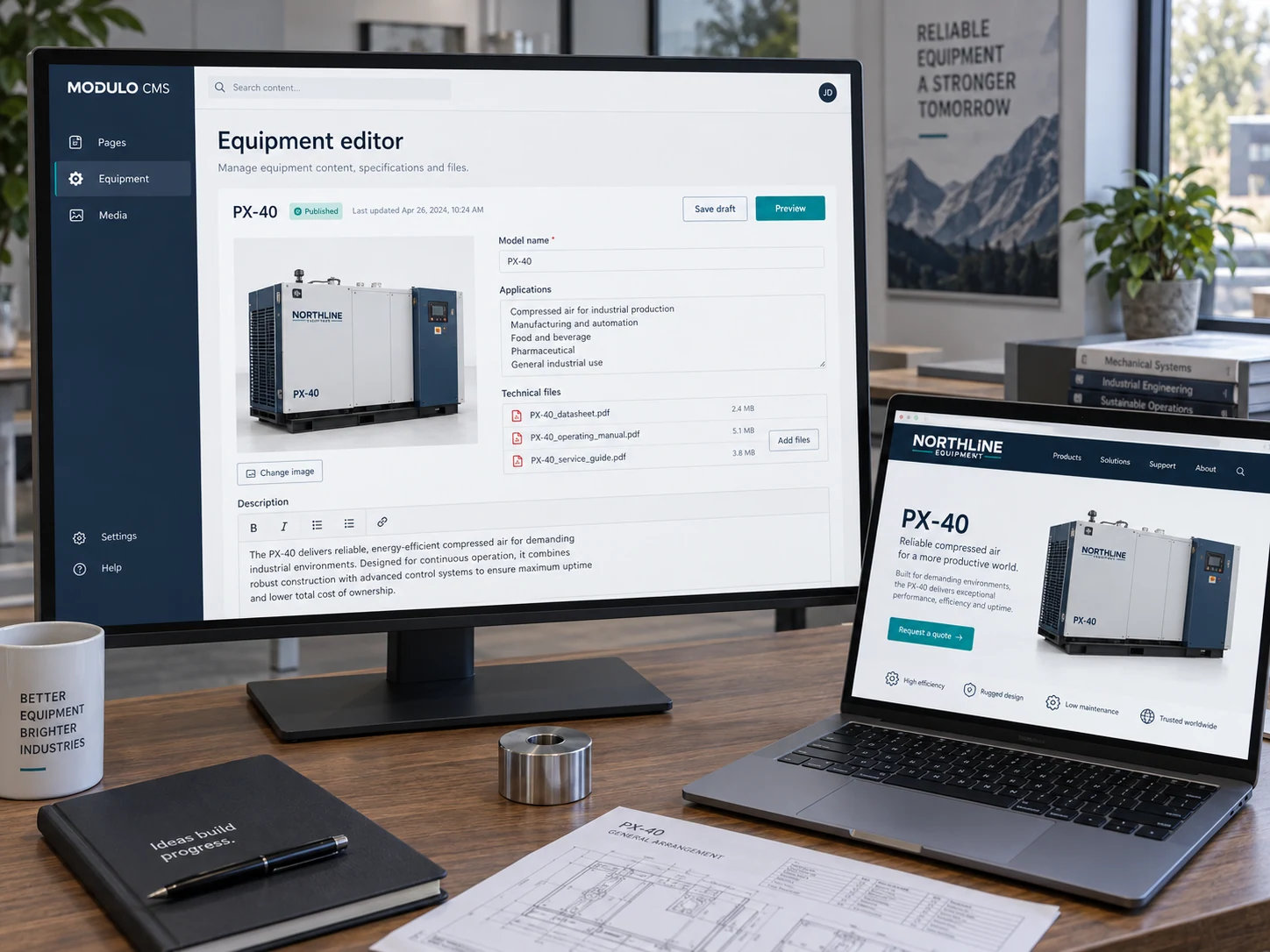
Manage project details, service options, team profiles or product specifications through fields designed for your content.
Edit text and images, organise files, manage Arabic and English content, and adjust page titles and descriptions from one workspace.
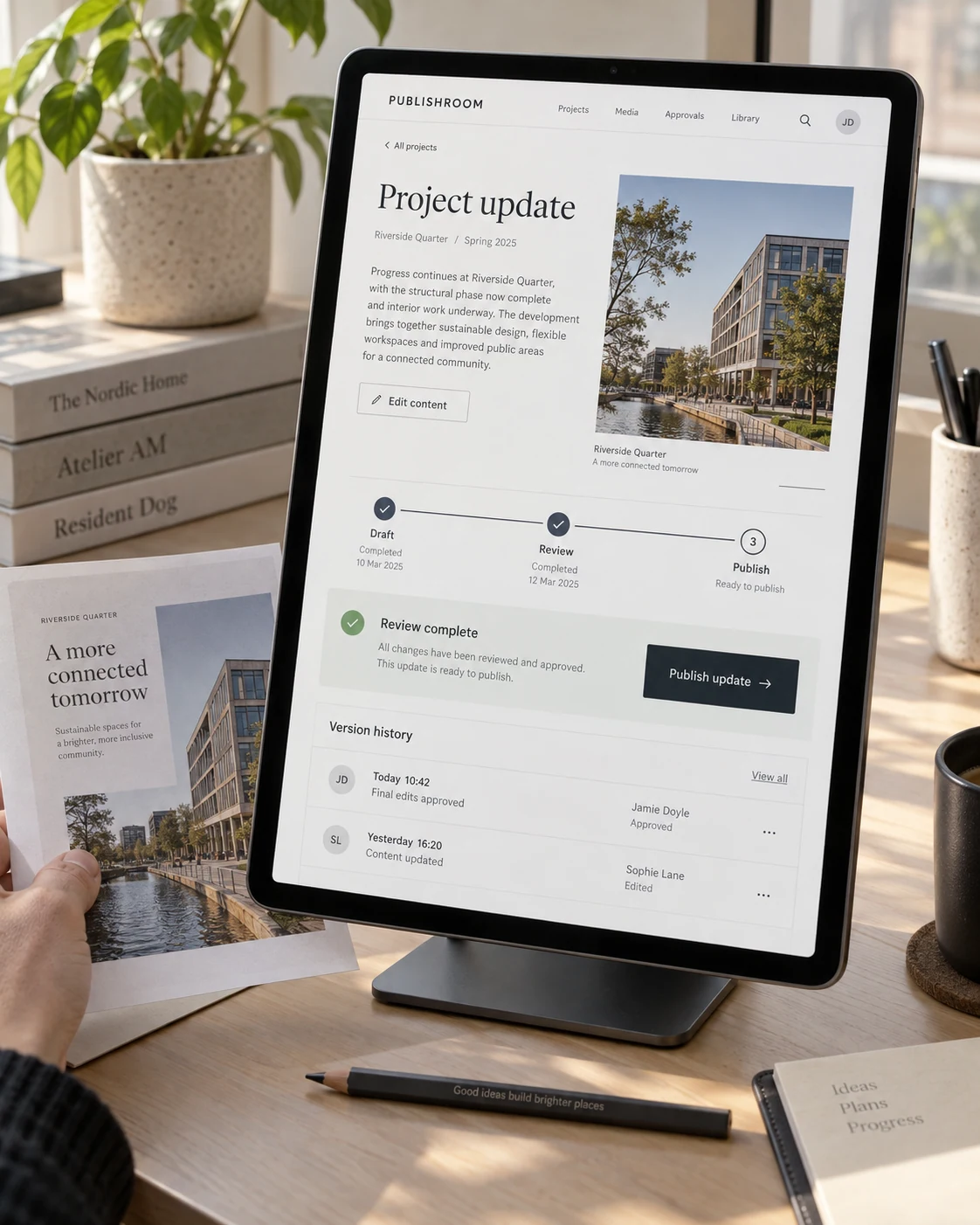
Let contributors prepare content, reviewers check it and authorised publishers put it live. Preview changes before visitors see them.
Route website requests to the right team and connect agreed CRM, booking or notification tools so information reaches the next step.
Custom content types, related records and validated fields keep information consistent. REST APIs and webhooks can connect the CMS to your website and agreed external systems. A headless setup is an option when several interfaces share the same content.
We can enforce permissions on the server, keep a history of content changes and restore earlier revisions. Database and media backups are planned separately, with an agreed retention period and recovery process.
We define hosting, data export, integrations and ongoing maintenance with you. The handover includes an agreed content structure, role guide, operating documentation and practical team training.
We can add an AI agent to your Custom CMS that turns a message into a website update. Ask it to change page content or add a photo album, and it carries out the update within the permissions you choose.
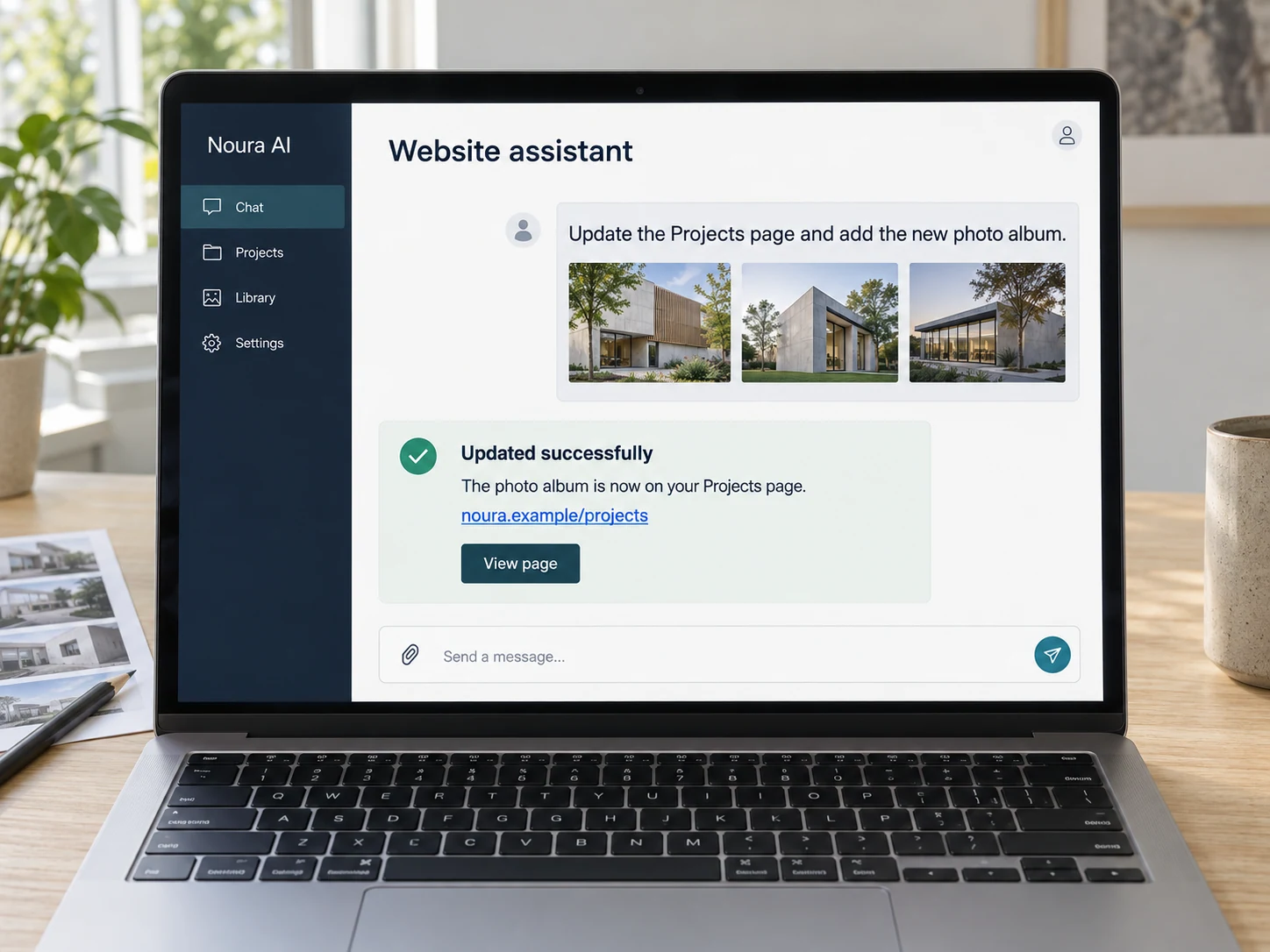
Name the page, describe the edit and attach the text or images you want to add.
It updates the relevant content and media, with direct publishing or a review step according to your workflow.
After a successful update, it confirms what changed and shares the link so you can open the page immediately.
Simple text and image updates can take seconds. Larger uploads and changes that need review take longer.
Plan your AI website assistantShow us what you manage, who approves it and which systems it needs to reach. We turn that into a clear scope for your CMS.
Make it simple to get in touch with useful forms, clear confirmation messages and integrations that fit the way your team works.
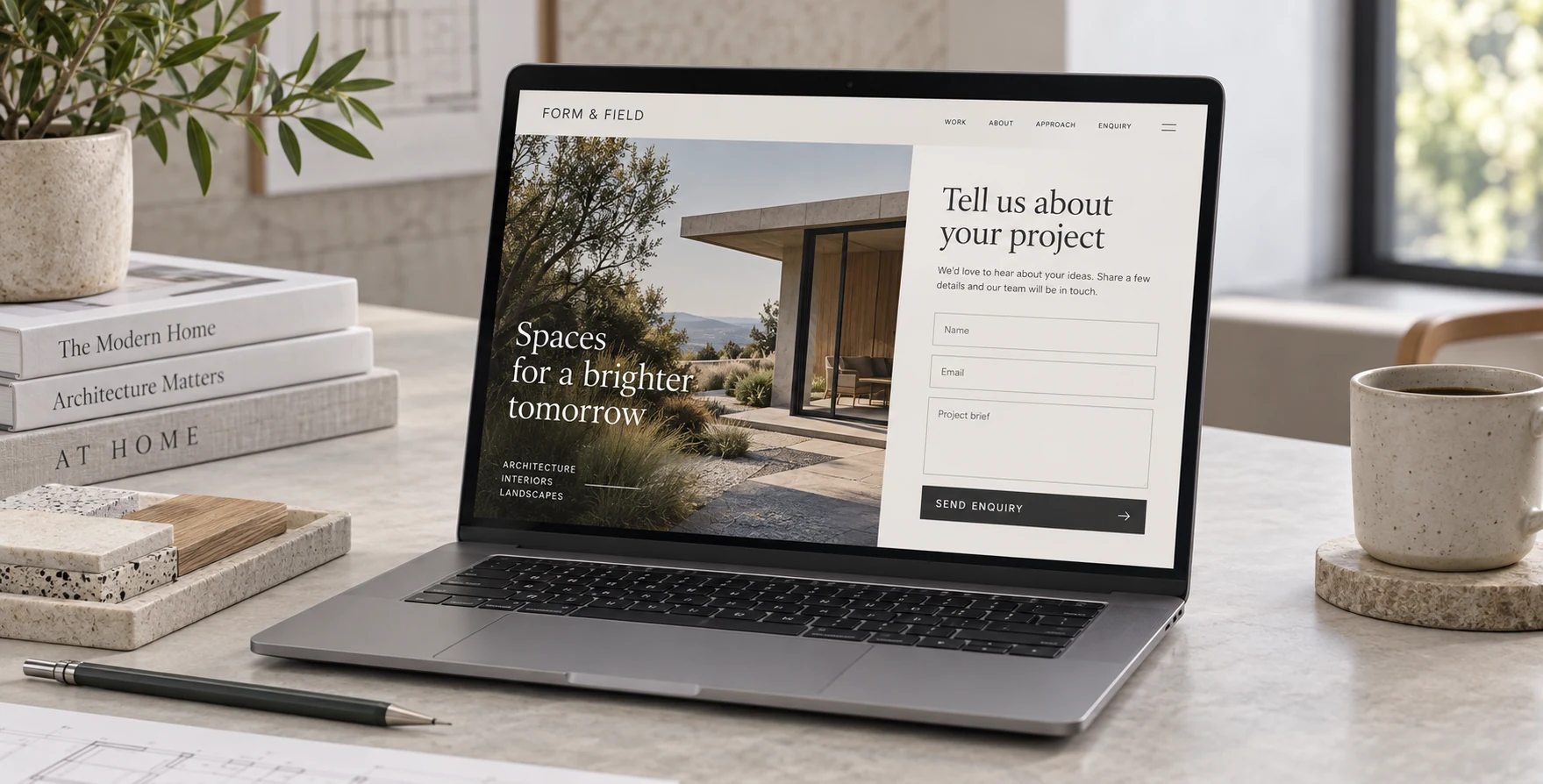
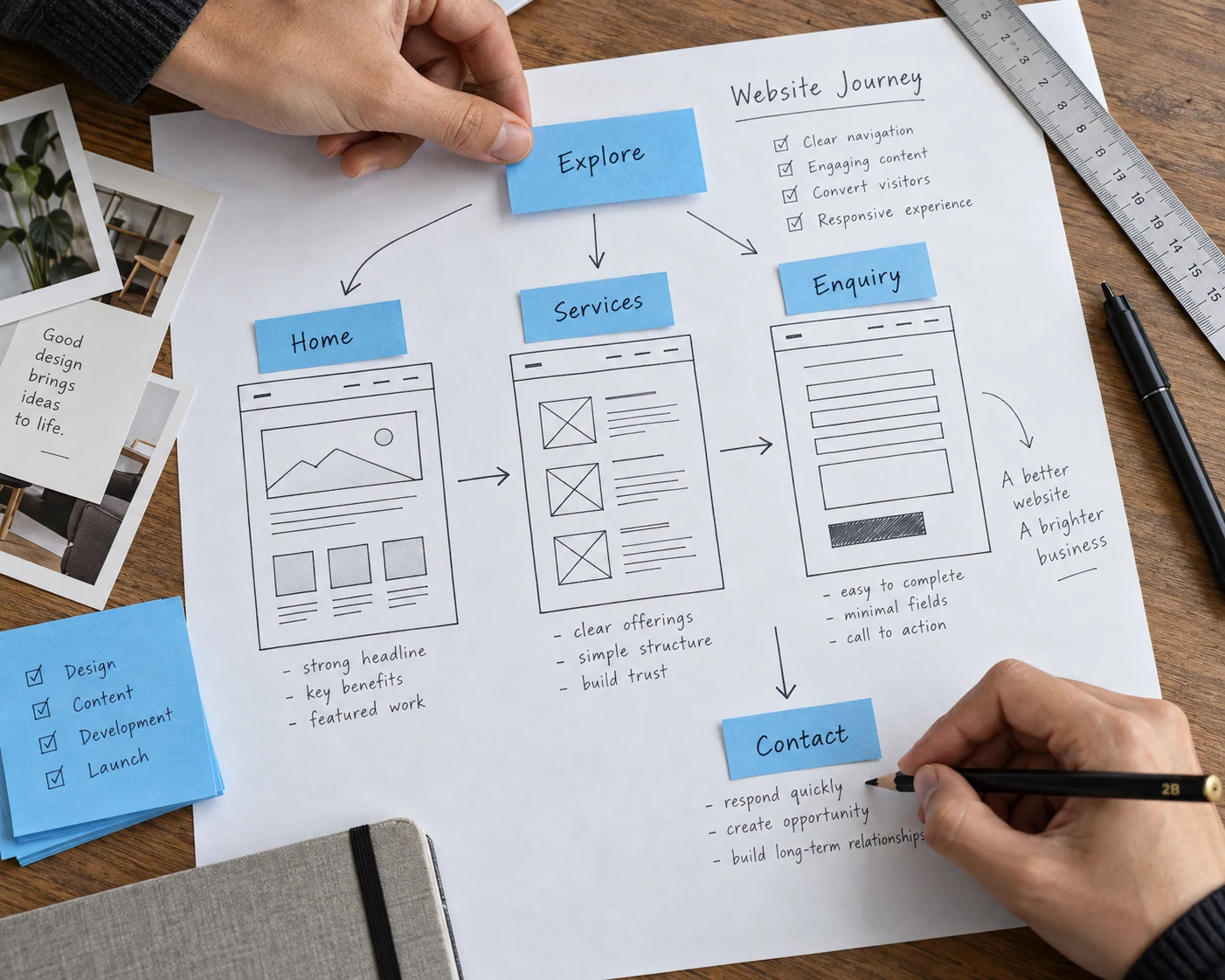
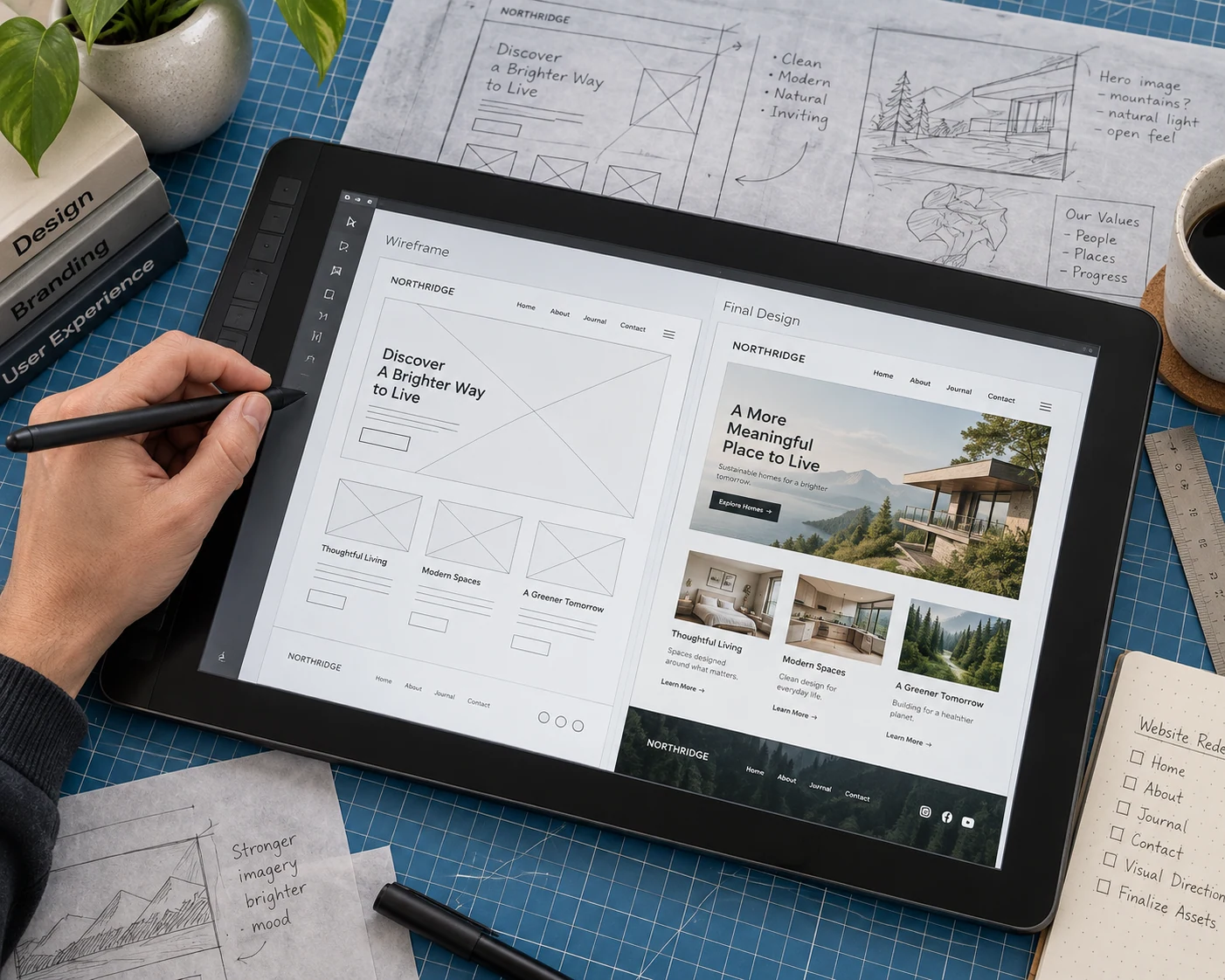
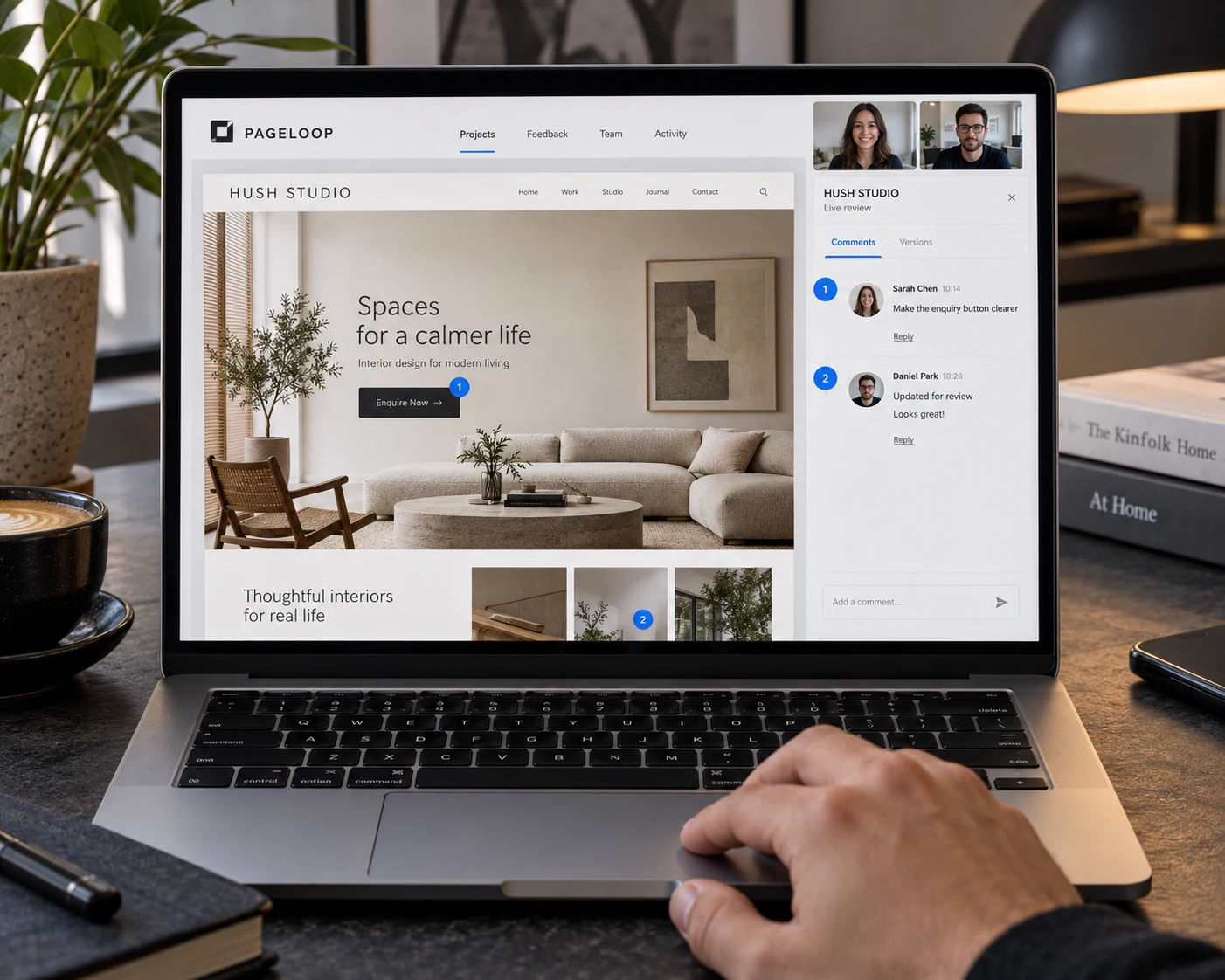
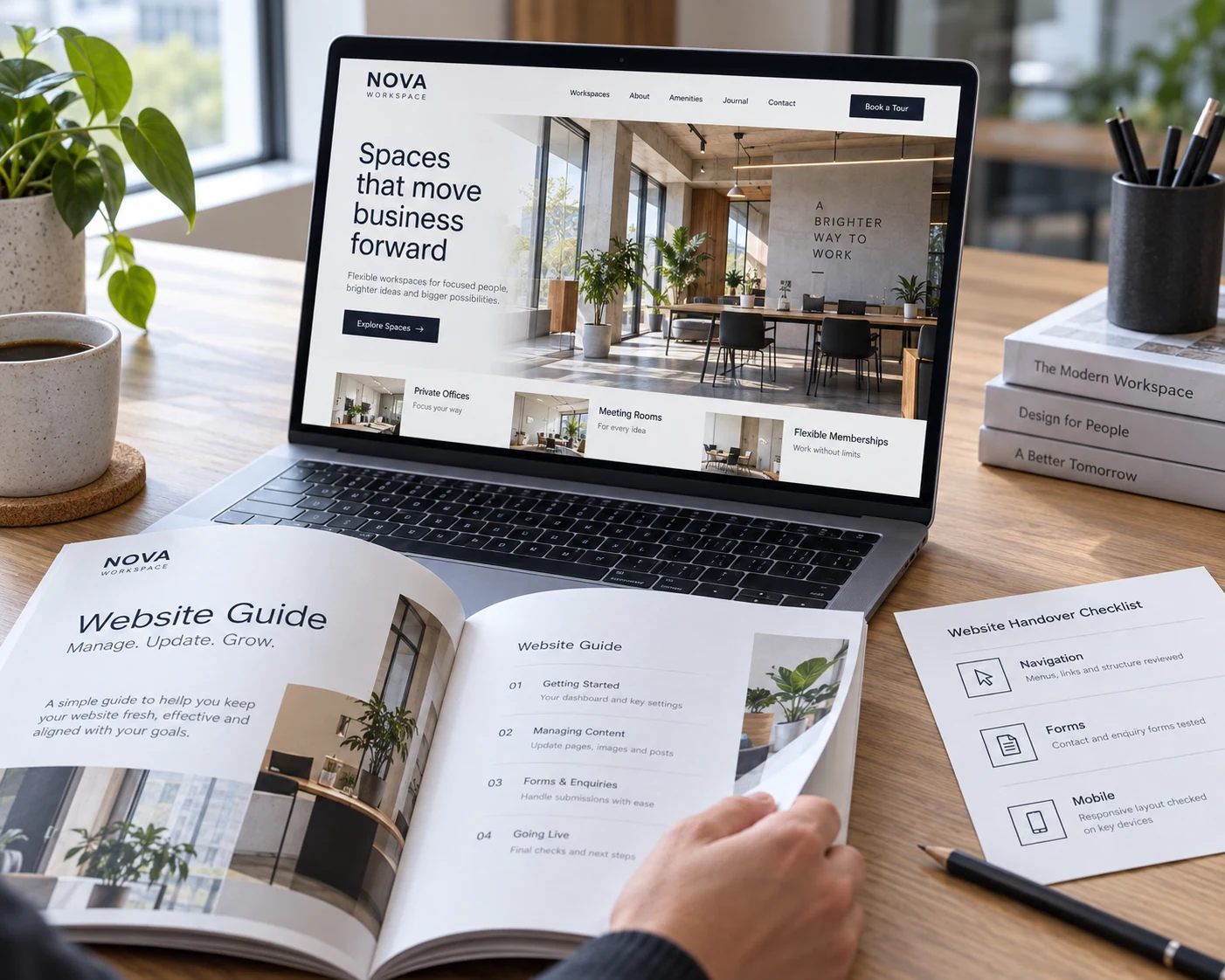
Create responsive pages that explain your services and guide visitors towards a useful next step.
Connect accessible forms, booking tools and agreed integrations to support customer enquiries.
Organise pages, articles and media with reusable content structures that are easy to maintain.
Give your team appropriate access and practical workflows for editing, publishing and reviewing content.
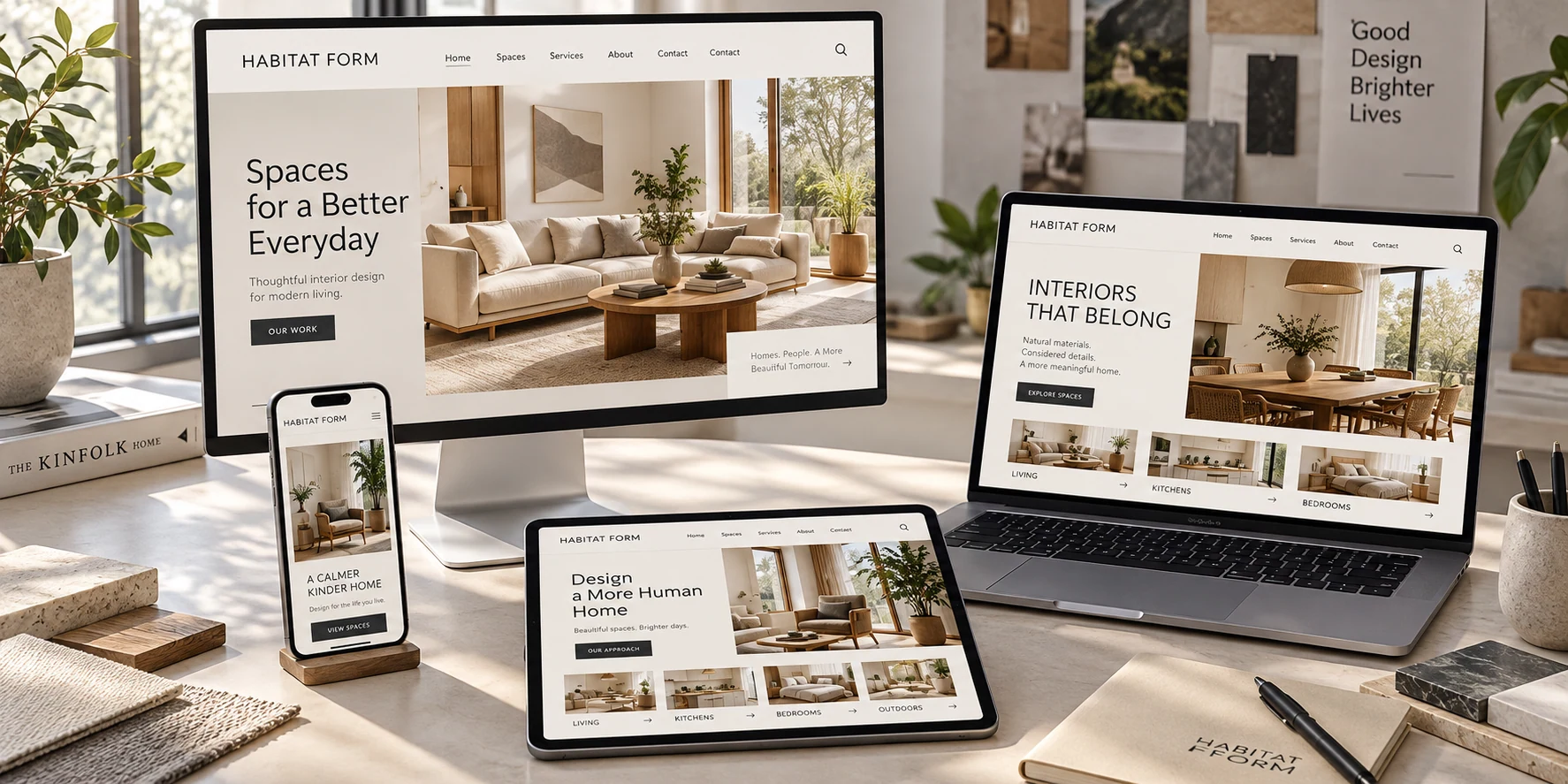
A strong website connects what your visitors need with what your team wants to achieve. We plan the experience and the editing tools together, from finding a service to sending an enquiry and keeping your content current.
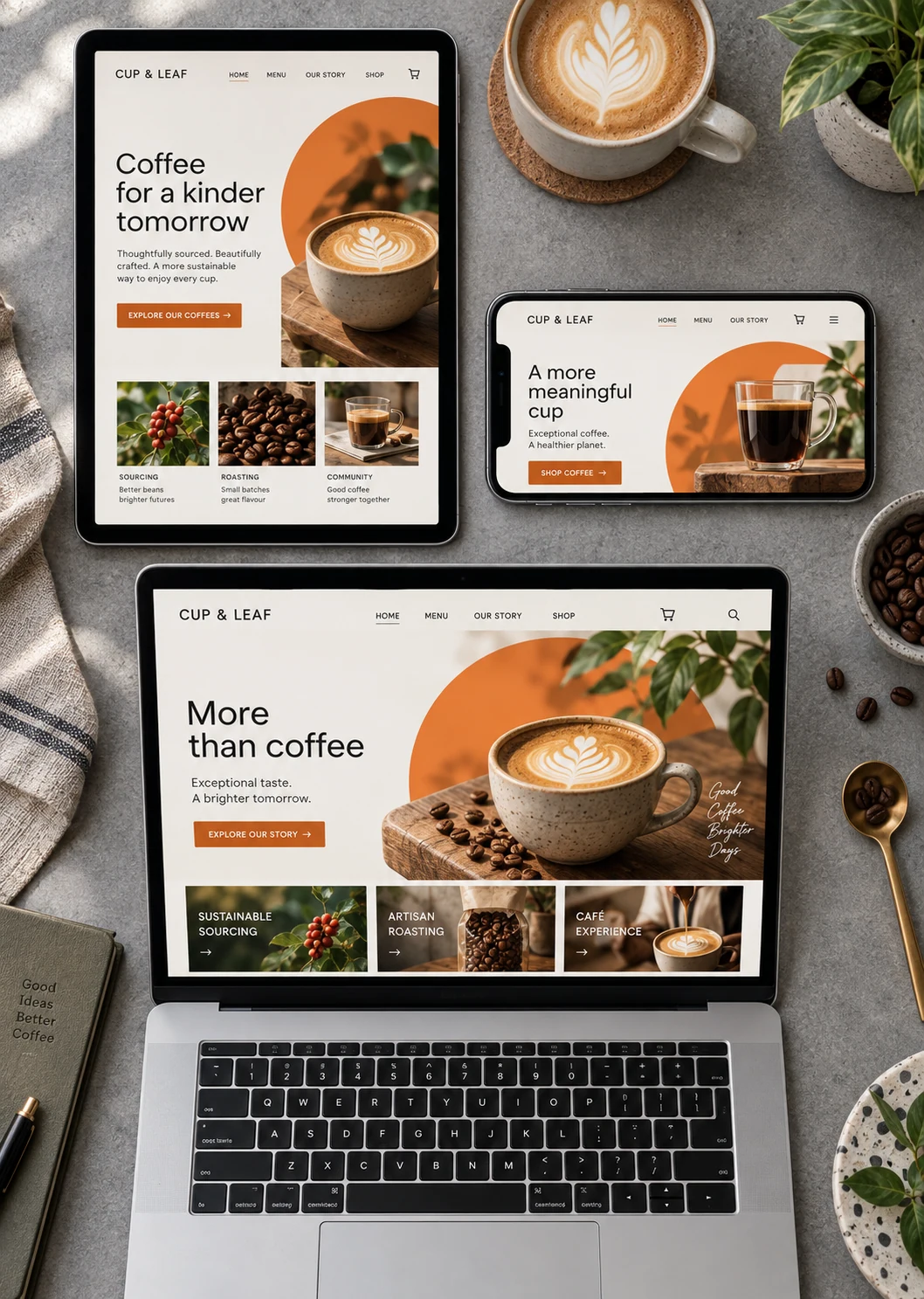
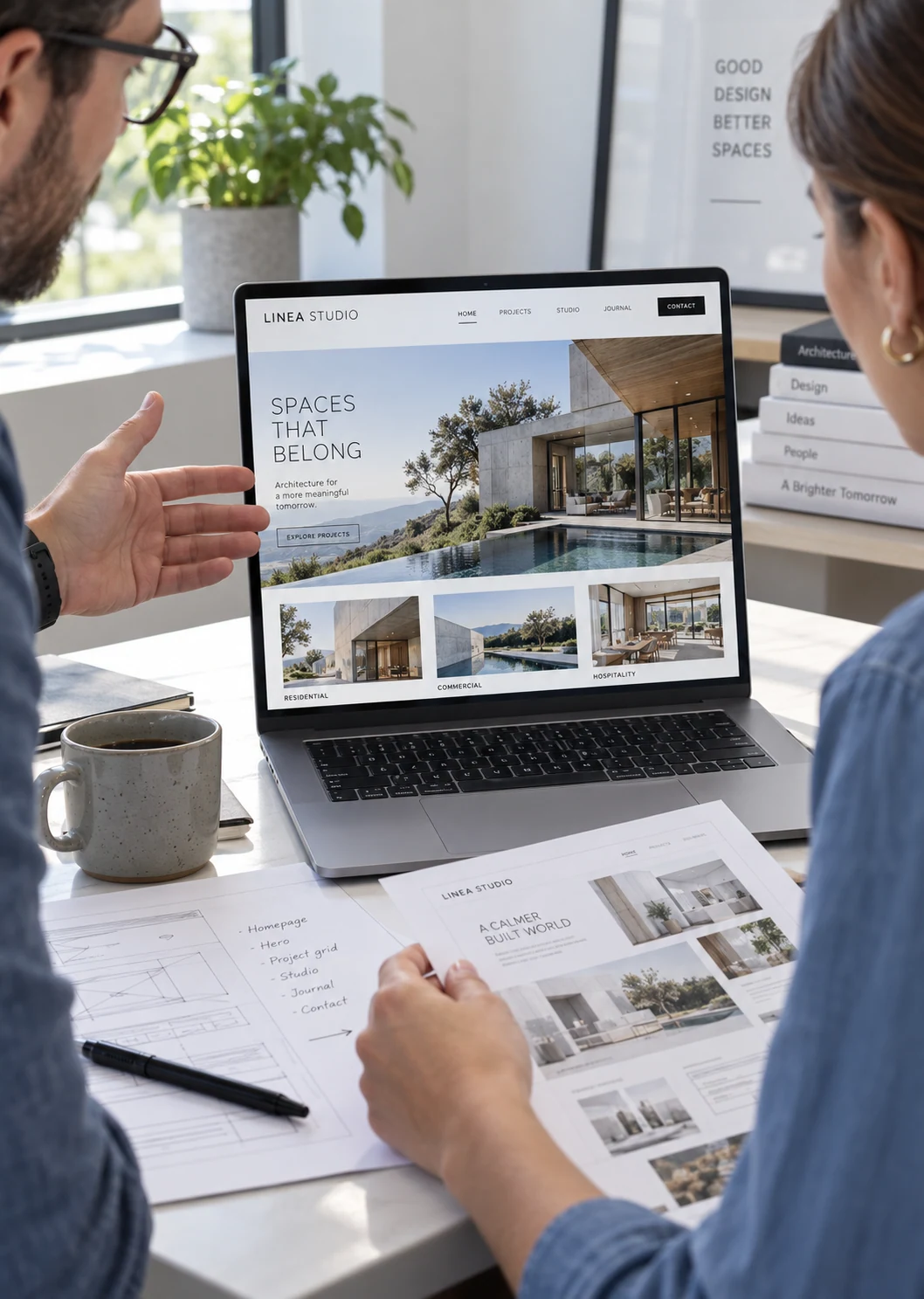
Illustrative website concepts show how your brand, content and customer journeys could come together. These are concept previews, not client case studies.
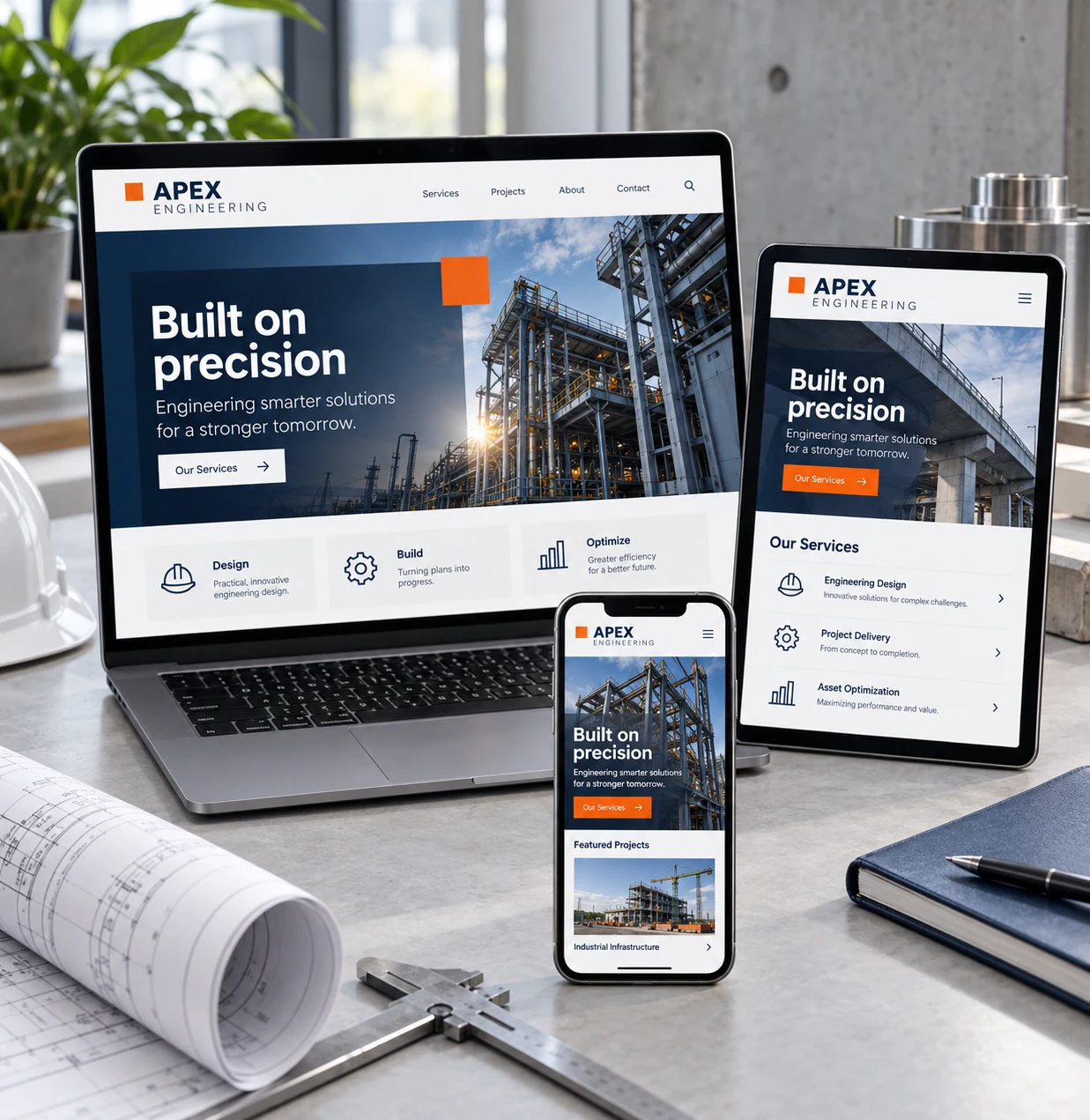 Preview ↗ILLUSTRATIVE WEBSITE CONCEPT
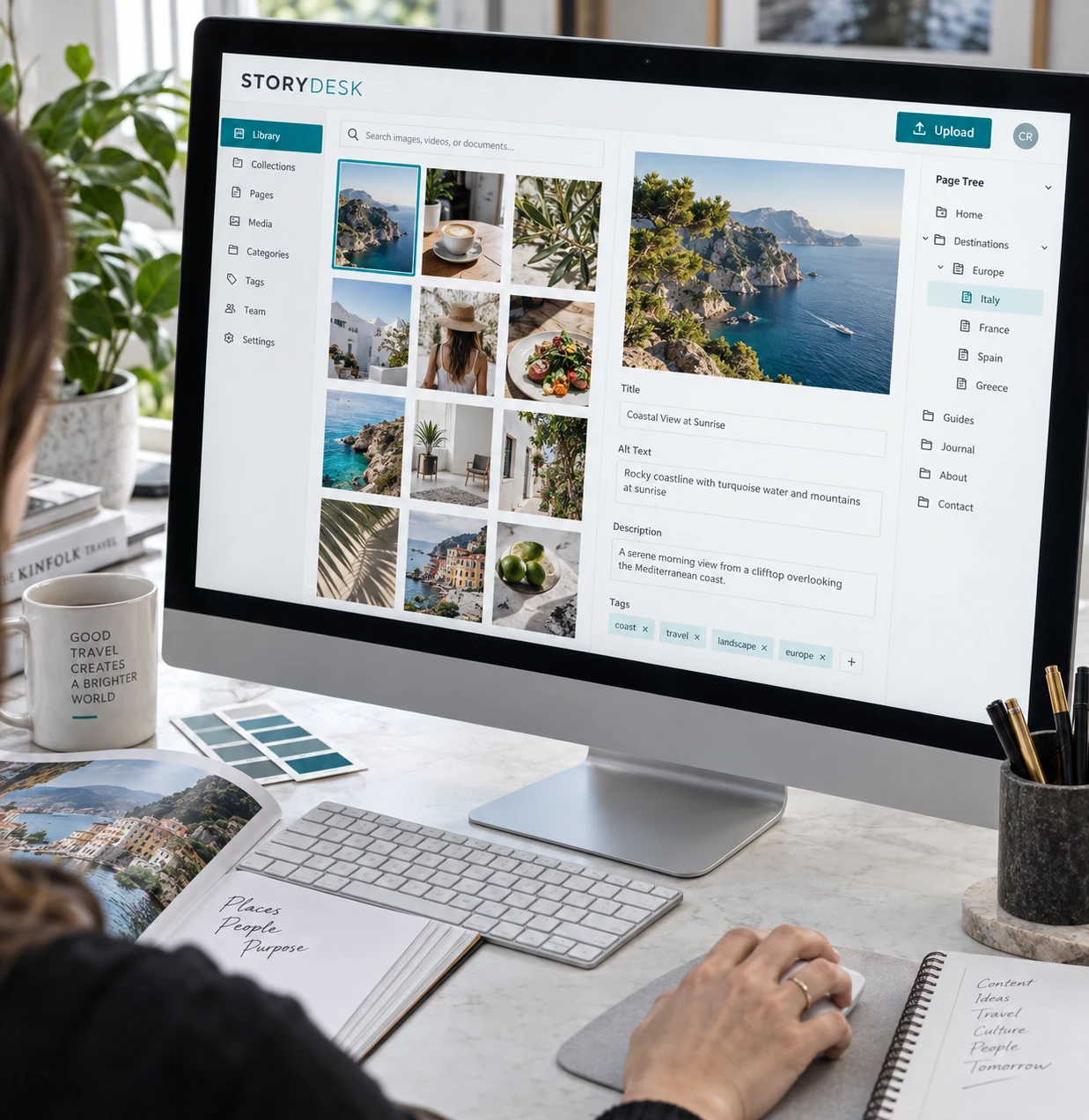 Preview ↗ILLUSTRATIVE WEBSITE CONCEPT
 Preview ↗ILLUSTRATIVE WEBSITE CONCEPT
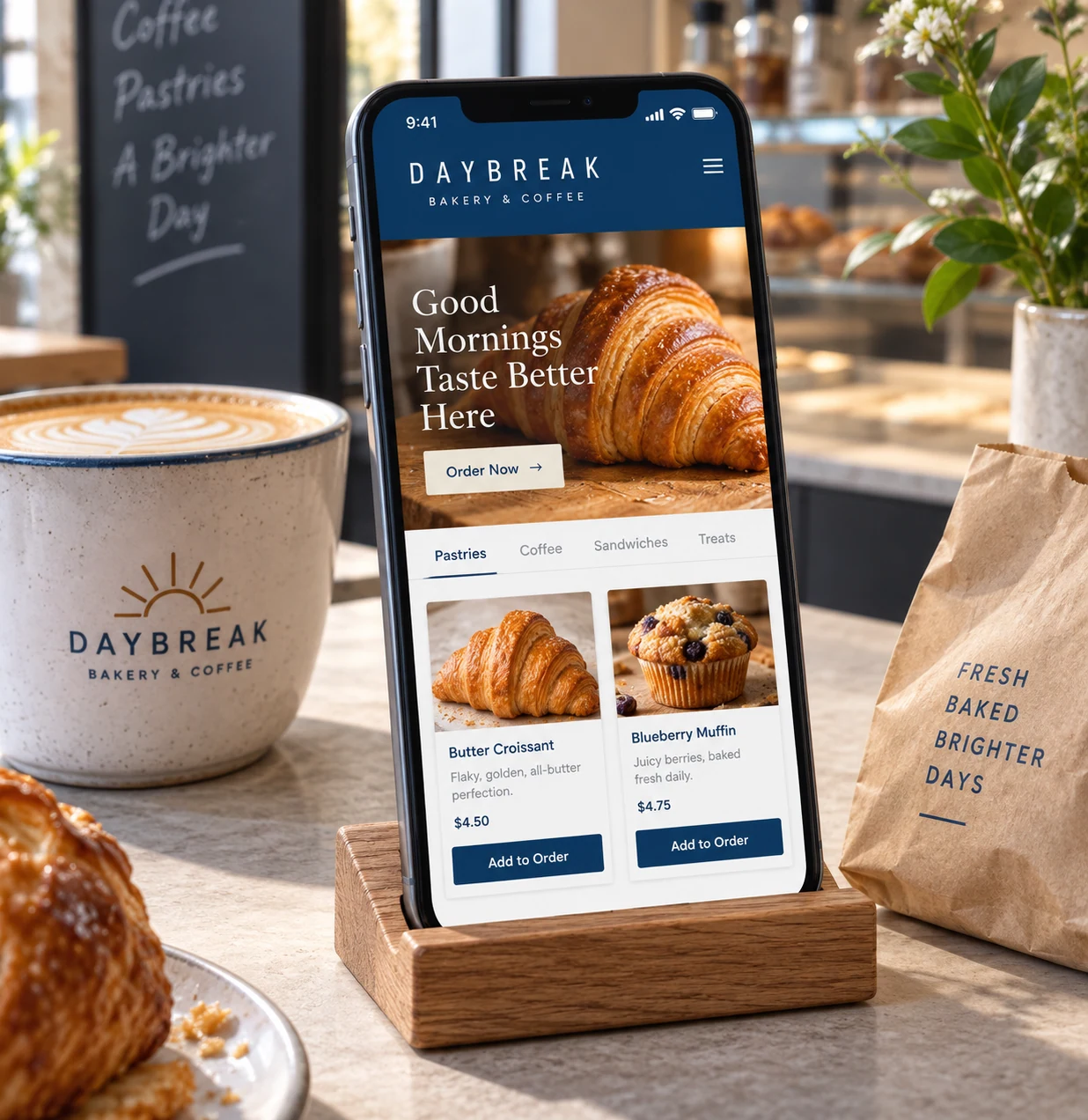 Preview ↗ILLUSTRATIVE WEBSITE CONCEPT
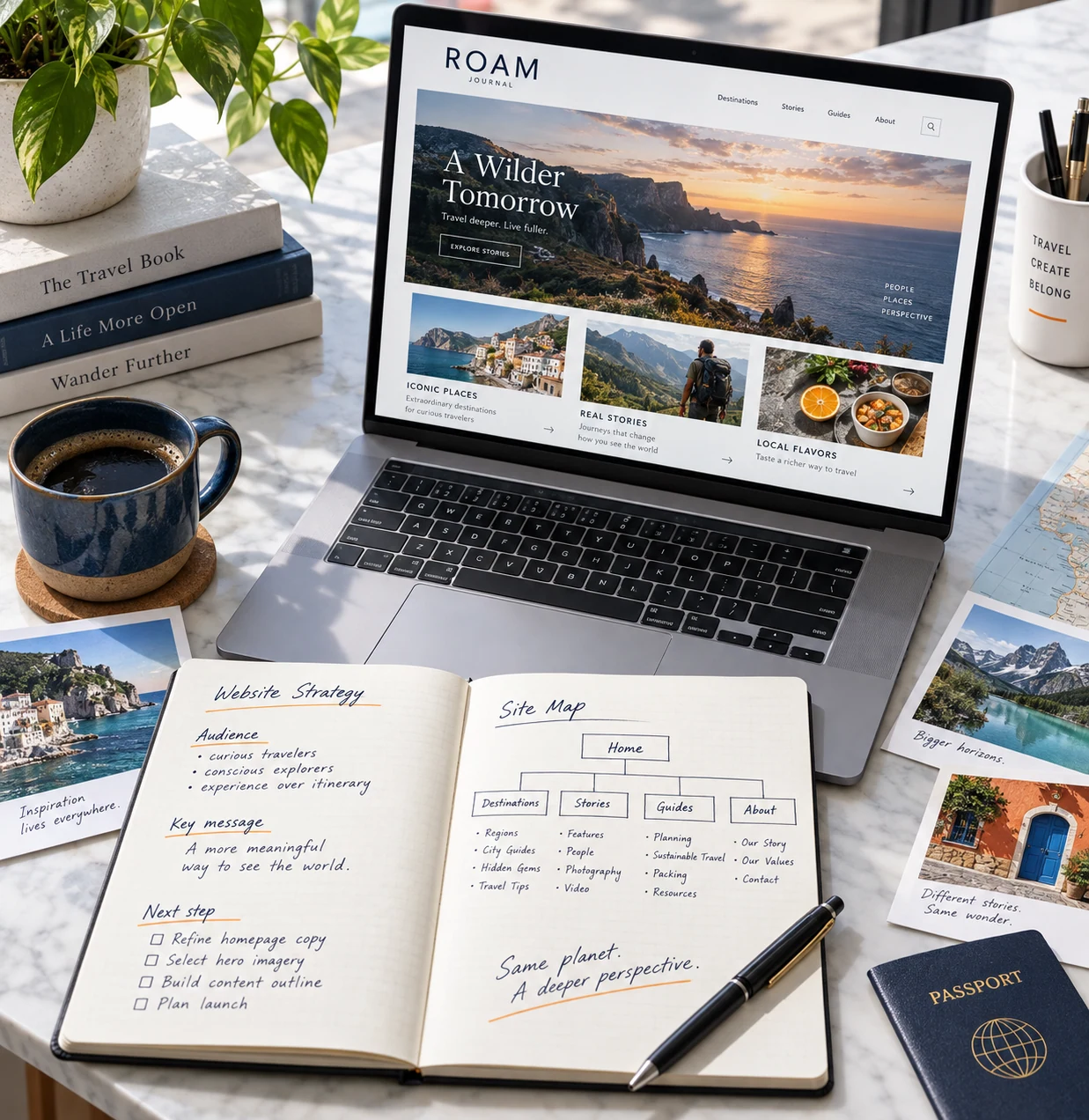 Preview ↗ILLUSTRATIVE WEBSITE CONCEPT
We review your business, audience, content and the role your website needs to play.
We agree the page structure, platform, key journeys and editing requirements.
We design and build responsive pages, connect agreed services and test key journeys and editing workflows.
We review forms, links and content, prepare launch settings and guide your team through website management.
The scope can include planning, design, responsive development, content setup, forms and editing guidance. We agree the pages, features and deliverables before work begins.
We plan editing tools around the content your team needs to manage and explain the agreed publishing workflow. Controls depend on the platform and staff permissions.
We review the forms, CRM, booking or email tools your business uses and confirm supported integrations, access requirements and any third-party costs.
We can help plan navigation, page structure and content priorities. Copywriting, photography and migration requirements are agreed as part of the scope.
Yes. We review the existing pages, content and integrations, then plan what to improve, retain or migrate. Redirects and content ownership are included in the planning discussion.
We plan appropriate access controls, secure configuration and sensible data handling. Updates, backups and ongoing maintenance responsibilities are agreed for the chosen platform.
Pages are designed for mobile and desktop. We review navigation, forms and important journeys across screen sizes.
We can include clear page titles, crawlable navigation, relevant metadata and sensible content structure. Ongoing SEO and content campaigns can be scoped separately.
Cost and timing depend on the page count, content readiness, design and integrations. We prepare a proposal around the agreed scope and milestones.
Support and maintenance can be discussed alongside your project. We confirm coverage, responsibilities and service arrangements before you commit.