
Skip to content

CODEYEA

Web & Mobile Apps

the kitchen~
GOOD FOOD, GOOD MOOD

Fresh, made
for your day.

Seasonal bowls and kitchen favourites, made fresh nearby.

4.9 ★★★★★LOCAL INGREDIENTS · MADE DAILY
Grain bowl
THE GARDEN BOWLFresh from our kitchen
FRESH FROM OUR KITCHEN
GARDEN BOWL  $18HERB PESTO  $16AVOCADO CRUNCH  $14
9:41 ●●● ◖ ▰
the kitchen~
⌕ Search something fresh
Today’s menuSee all →
9:41 ●●● ◖ ▰
‹the kitchen~
Grain bowlCHEF’S PICK
FRESH FROM OUR KITCHEN

Garden grain bowl

Warm grains, crisp greens, avocado and lemon herb dressing.

🌿 Plant based⚡ 420 kcal
Ready in 12 min$18
9:41 ●●● ◖ ▰
Your order
READY WHEN YOU ARE ● LIVE
Your next favourite
starts with one tap.
⌁ Delivery toHome · 20–30 min
Subtotal $0.00
Delivery $2.00
Total $0.00
Secure checkout · Pay on delivery
01 BROWSE02 CHOOSE03 ORDER
WEB & MOBILE APP DEVELOPMENT

.digital products
.connected platforms

Build an application around the way your business works. CODEYEA designs and develops web and mobile experiences that connect your users, workflows and essential systems.

From a focused first release to a connected platform, start with the features that matter.
Discuss Your Project Web apps.   Mobile apps.   Integrations.
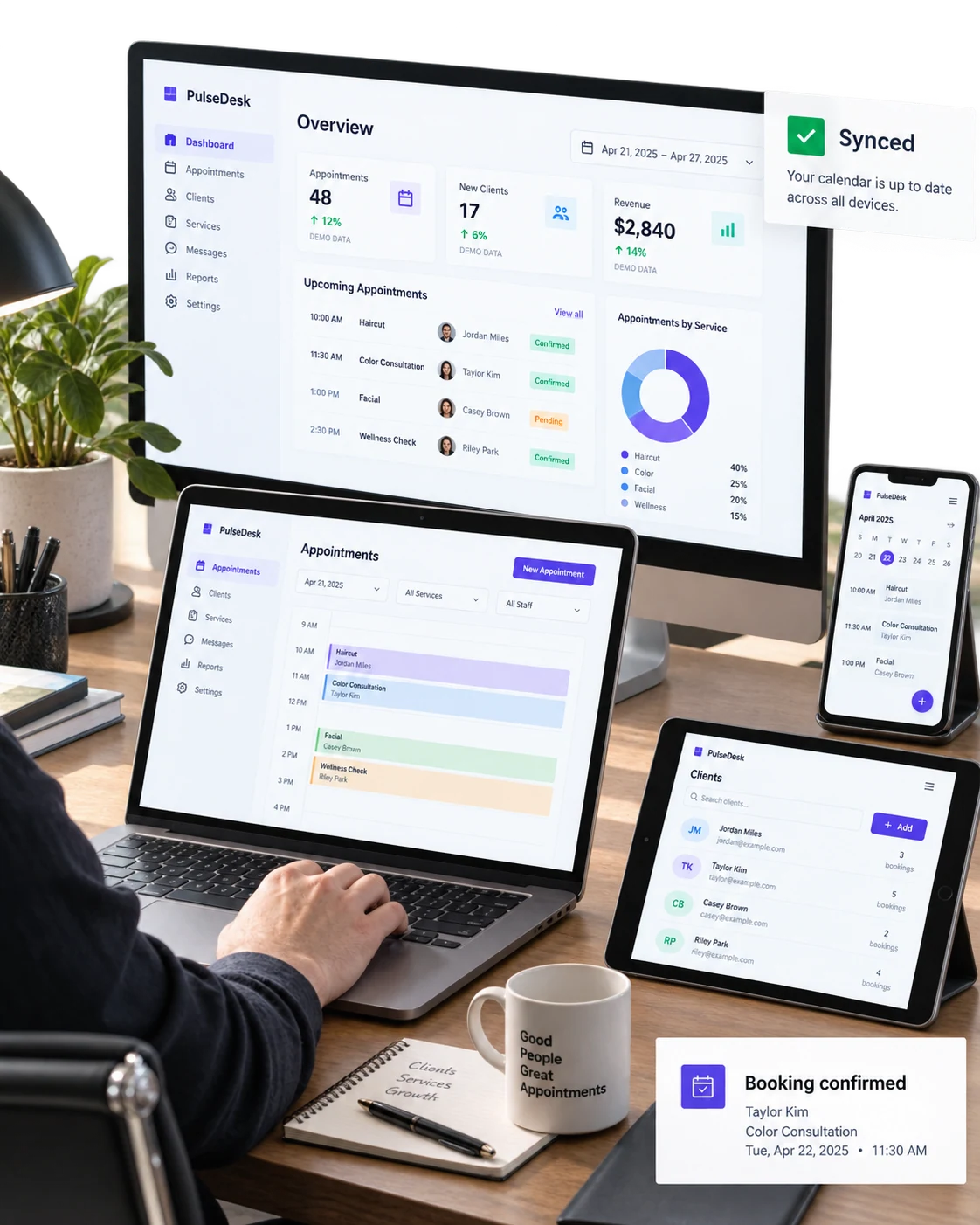
Photoreal contextual multi-device arrangement: desktop monitor behind open laptop, tablet angled horizontally and phone on stand show a coherent fictional 'PulseDesk' appointment platform
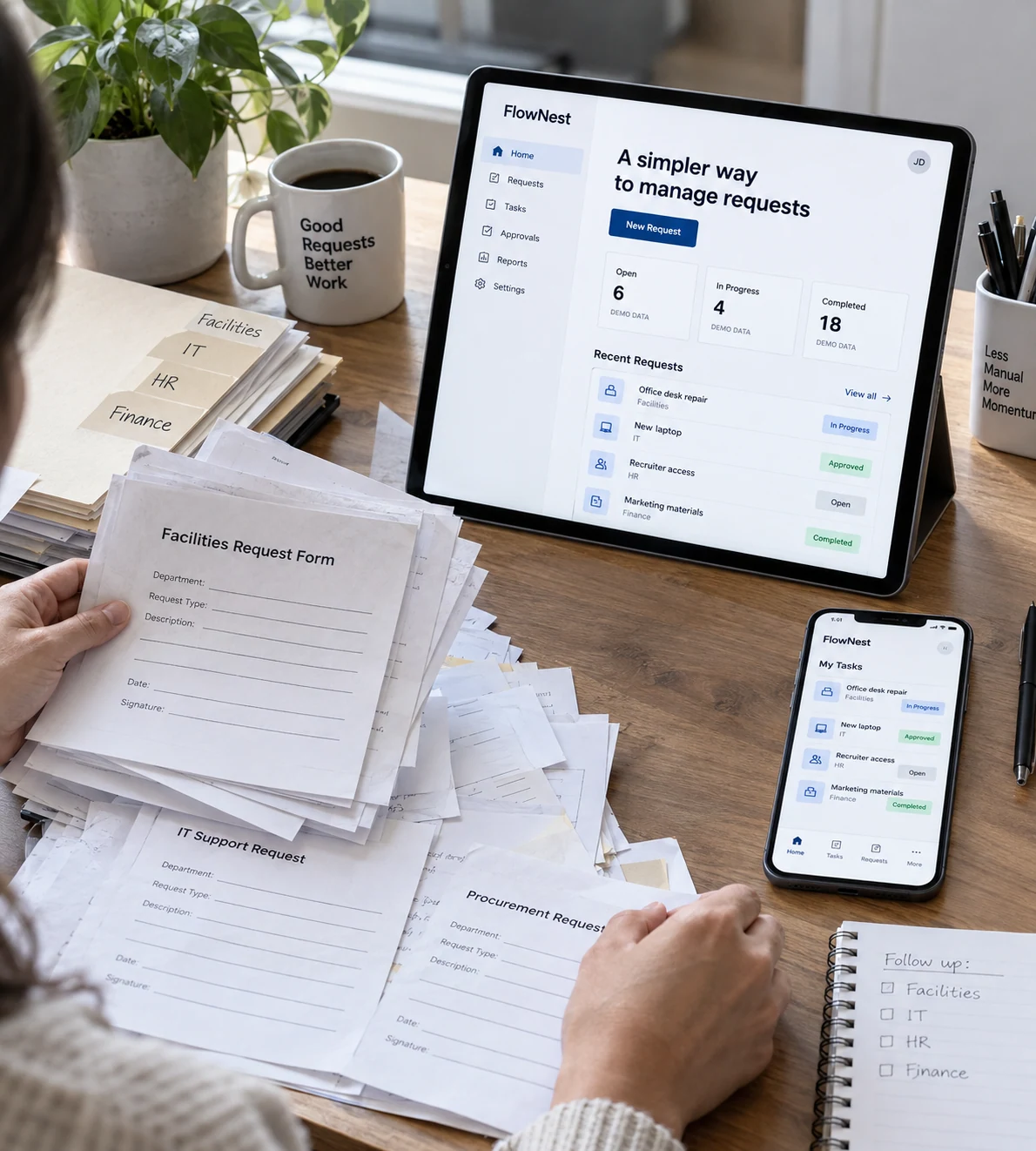
Your everyday business challengesClose view of a person comparing a cluttered paper request process with a clear fictional 'FlowNest' mobile app on tablet propped at their desk; a phone lying face-up displays matching task status
THE CHALLENGES

Less friction.
Better digital experiences.

Disconnected systems, manual workarounds and difficult interfaces can slow down both customers and teams. An application needs to solve a clear problem before adding more features.

We map the user journeys and operational requirements, then define a manageable release. Design, development and testing follow the same agreed priorities.

•

Complex workflows

Turn important tasks into clear journeys with appropriate permissions and useful feedback.

•

Disconnected systems

Plan connections between the application and the services your business already uses.

•

Unfocused releases

Prioritise a useful first version and build a roadmap for what comes next.
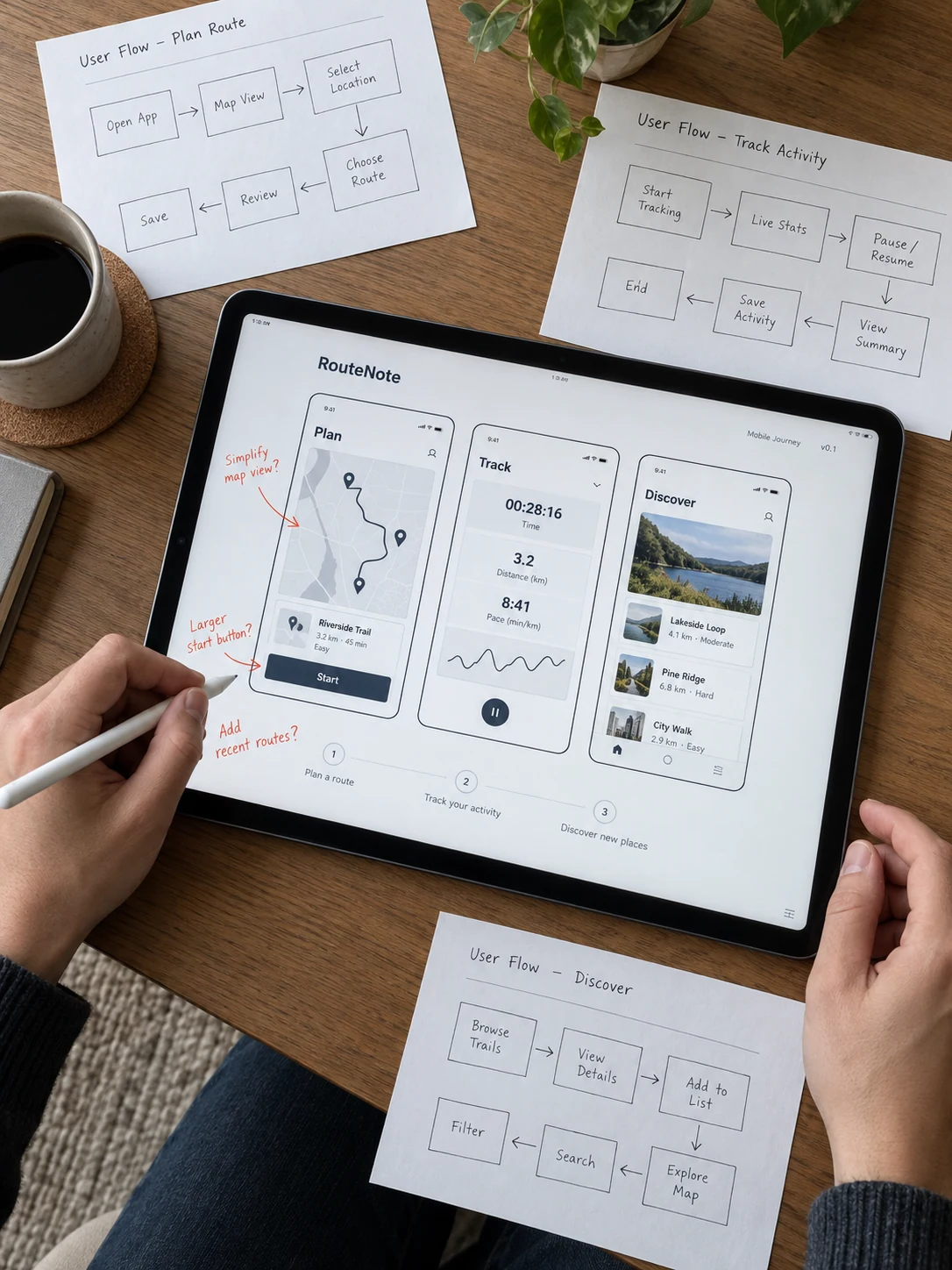
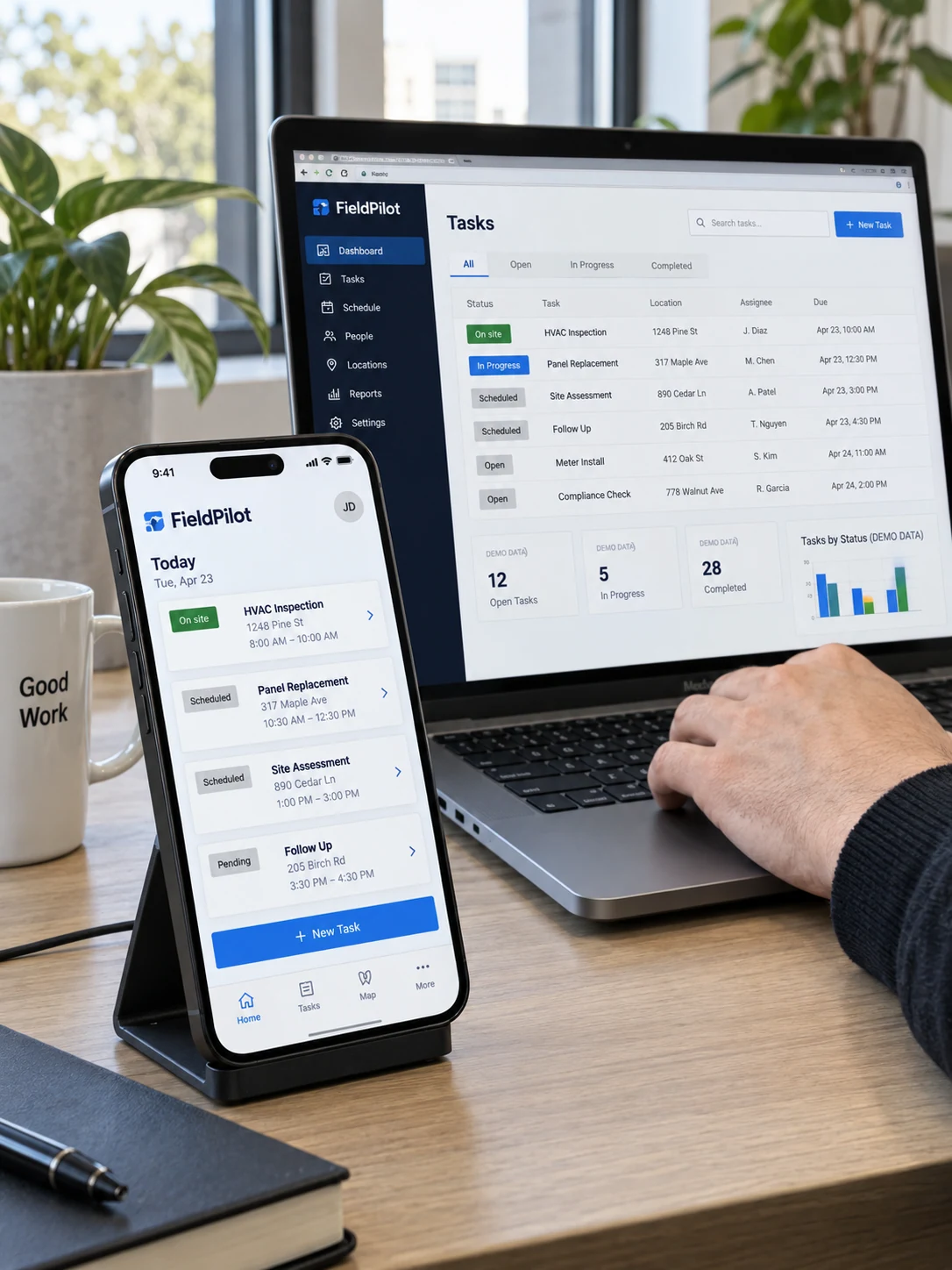
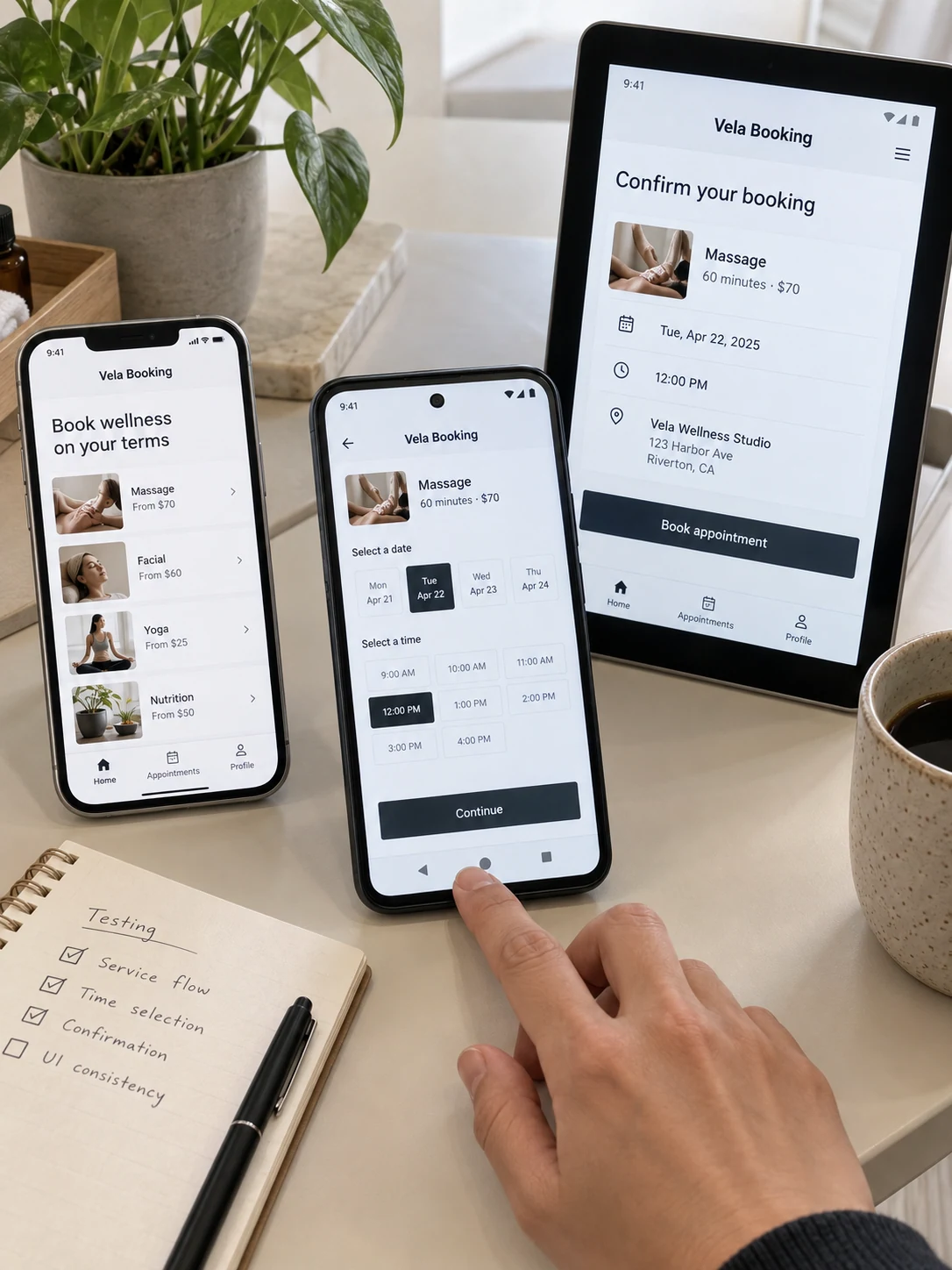
Top-down portrait composition of tablet displaying 'RouteNote' mobile journey wireframes, stylus held in left hand annotating margin, three paper user-flow sketches around tabletPhone on a dark desktop stand displaying 'FieldPilot' mobile task app; behind it laptop shows matching development preview, software engineer's hand at keyboard, screen dominant, actual app UI not wall of code.Two different real phones and one small portrait tablet on a product test bench display the same 'Vela Booking' appointment flow at different stages; a tester's fingertip lightly touches the lower navigation edge, labels and content unobscured.
HOW WE WORK

Designed around people.
Built around your business.

We define who will use the application, what they need to do and which systems support the work. The result is a practical plan for the interface, architecture and delivery.

  • Product discovery
  • User journey mapping
  • Interface design
  • Web application development
  • Mobile application development
  • API integration
  • Staff roles and permissions
  • Data modelling
  • Quality assurance
  • Device testing
  • Deployment planning
  • Handoff and documentation
THE PROCESS

Clear requirements.
Connected products.

01

/ Discover

Understand the users, tasks and systems behind the application.

02

/ Define

Agree the first release, user journeys and technical requirements.

03

/ Build & test

Develop the interface and application logic, then test the agreed scenarios.

04

/ Launch & refine

Prepare delivery, explain administration and plan the next improvements.

OUR APPROACH

An application should make important tasks feel simpler. We connect thoughtful interfaces, practical engineering and well-defined workflows to create digital products your customers and team can use with confidence.
Discuss Your Application
Application conceptsIllustrative service concepts

.web .mobile
.platforms .experiences

All / Web apps / Mobile apps / Integrations
Let's collaborate
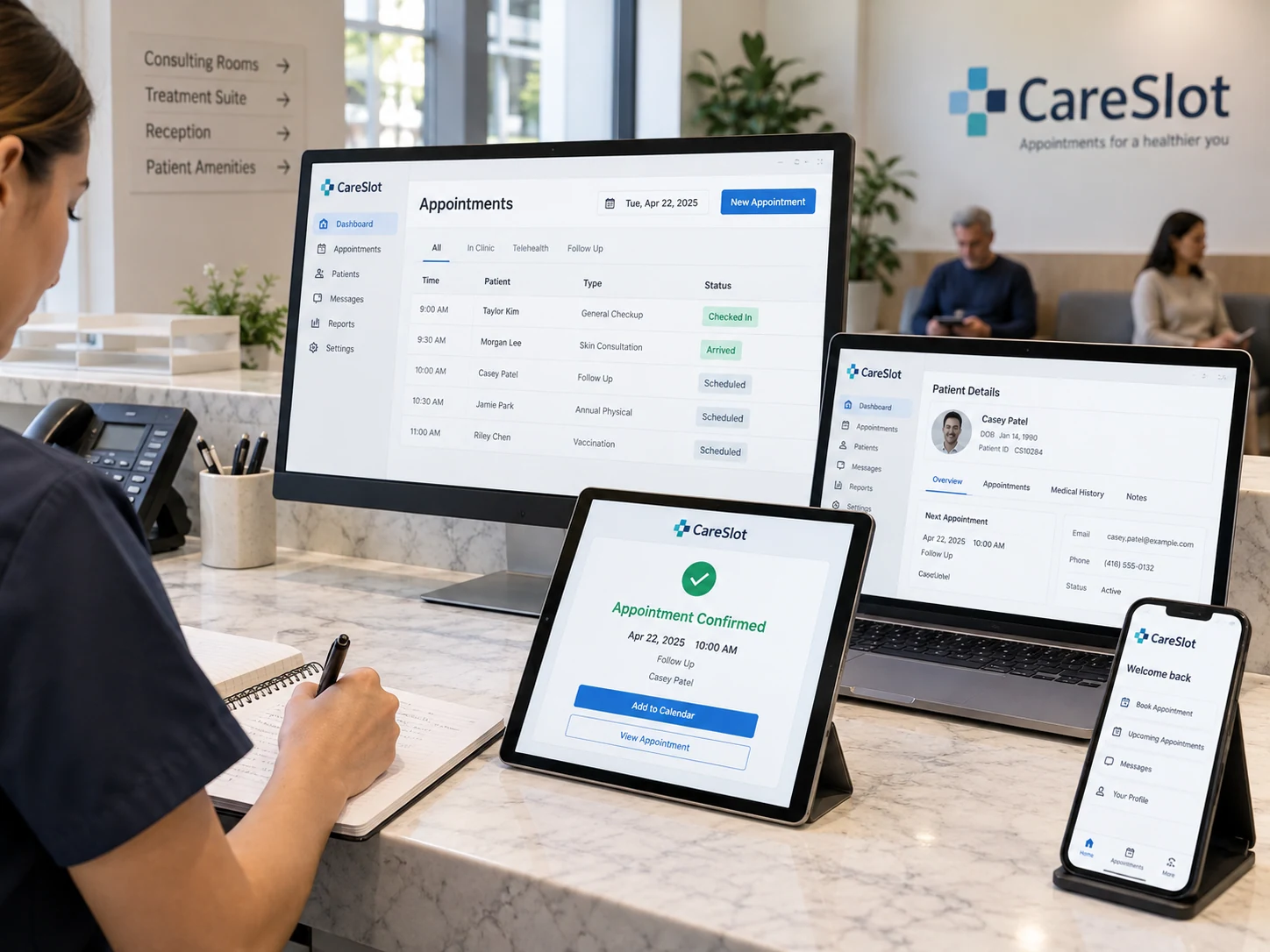
Desktop, laptop, tablet and smartphone grouped coherently on clinic reception workbench displaying the same fictional 'CareSlot' appointment app, tablet shows booking confirmation

A booking journey across devices

Connect available appointments, customer details and confirmation in a consistent mobile and web experience.
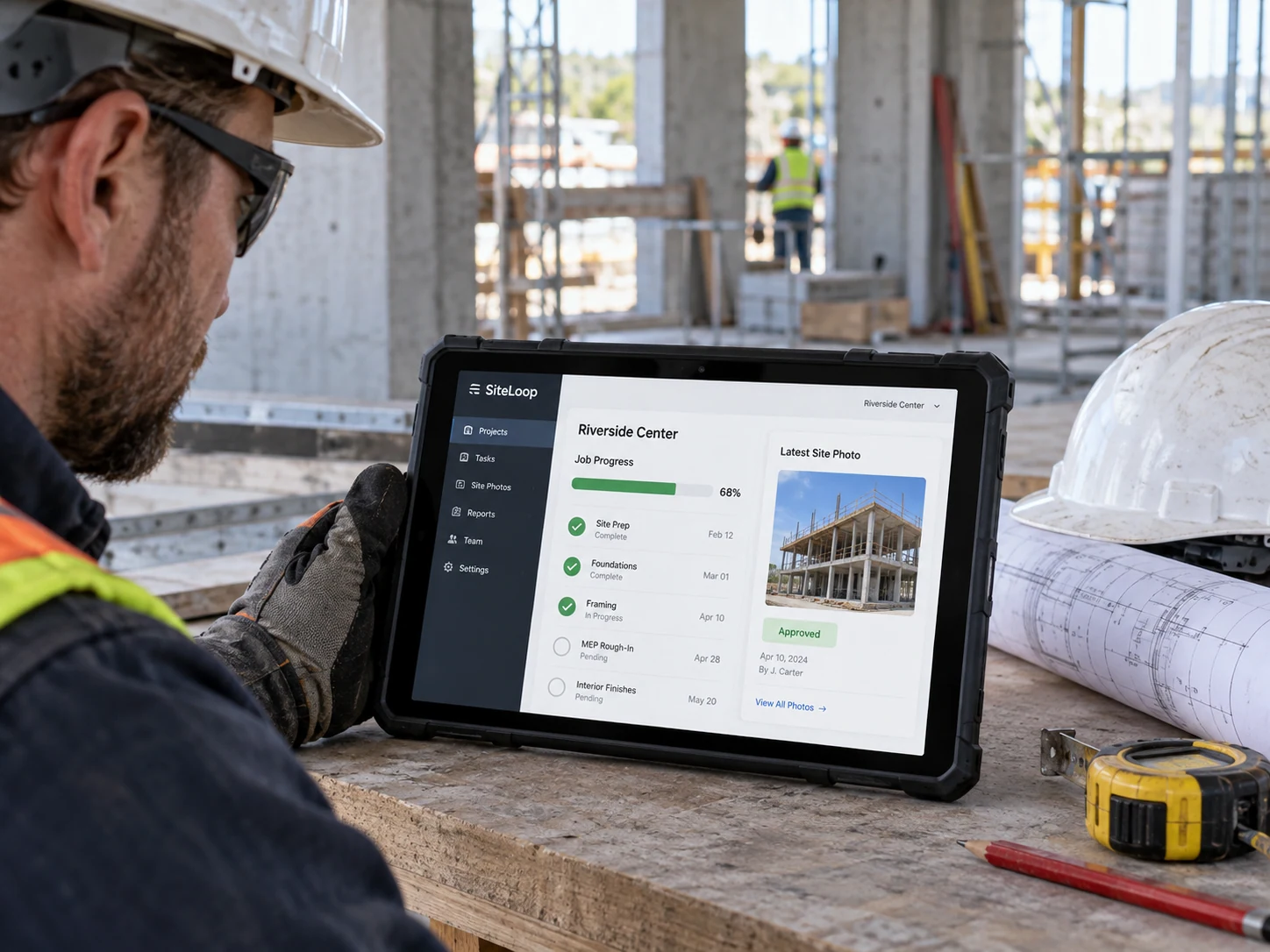
Construction site coordinator seen from side with rugged tablet braced on a workbench showing 'SiteLoop' job progress and approved site photo

A field team with connected updates

Help a site team capture job progress and approved evidence while the office follows the same current record.
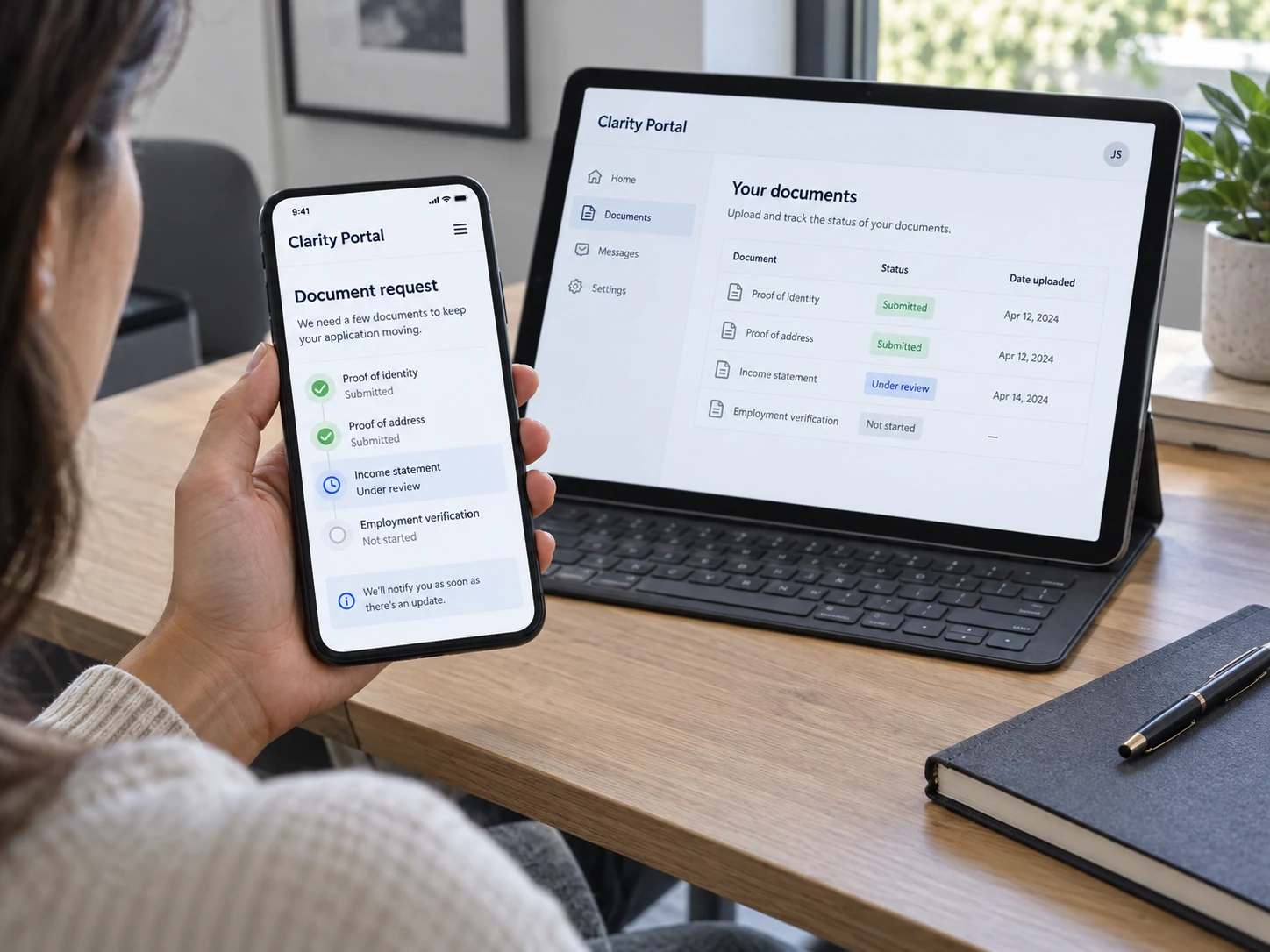
Seated customer at a desk uses a phone supported in left palm to review fictional 'Clarity Portal', clear document request and 'Under review' status, landscape tablet nearby shows matching document list

A customer portal with a clear status

Give customers a structured view of requests, documents and next actions without scattered messages.
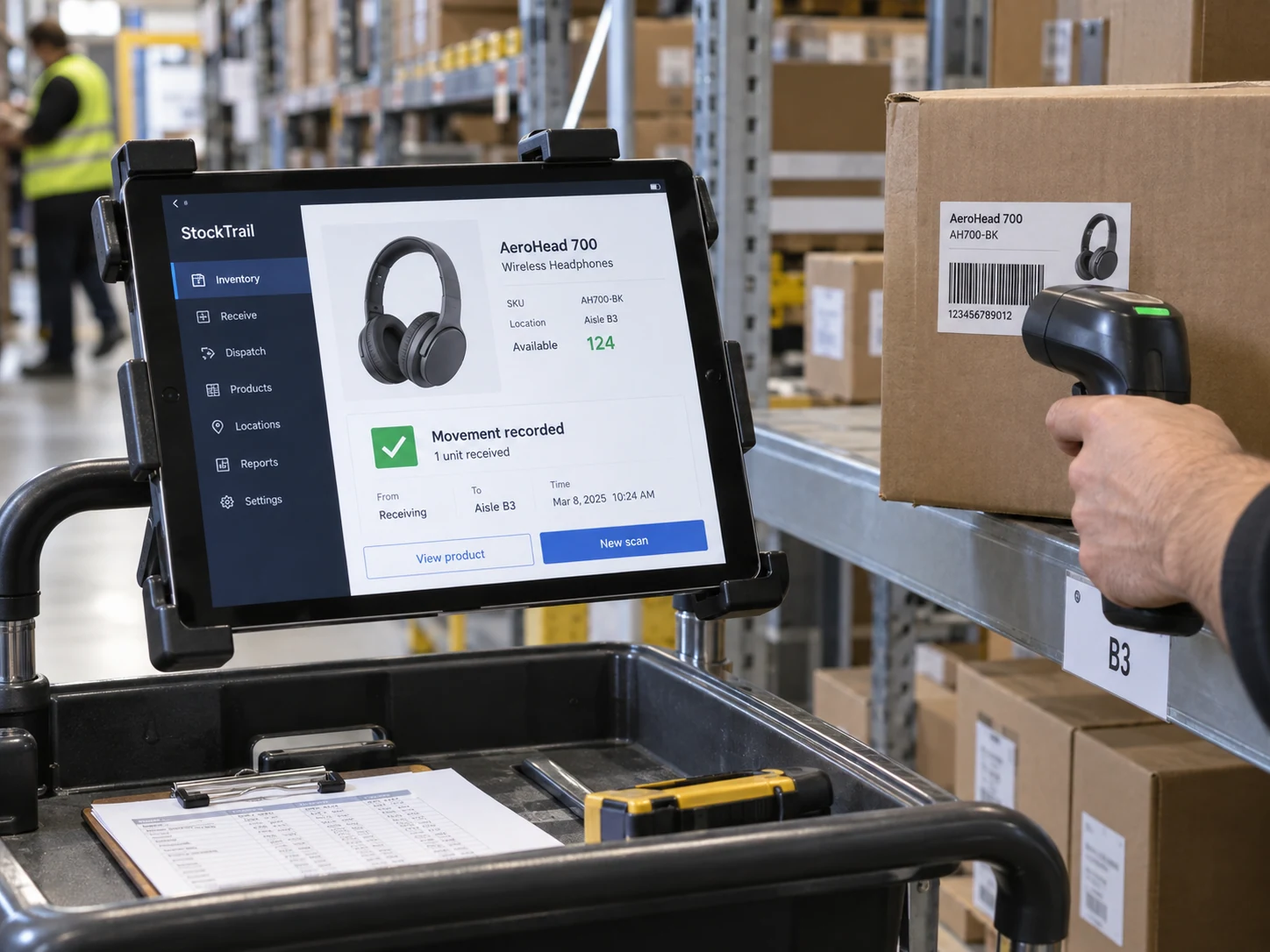
Tablet mounted on warehouse trolley showing fictional 'StockTrail' inventory app with clear product photo, available quantity and movement confirmation

Inventory where work happens

Connect a warehouse workflow to product availability and movement records so the team can act on current information.
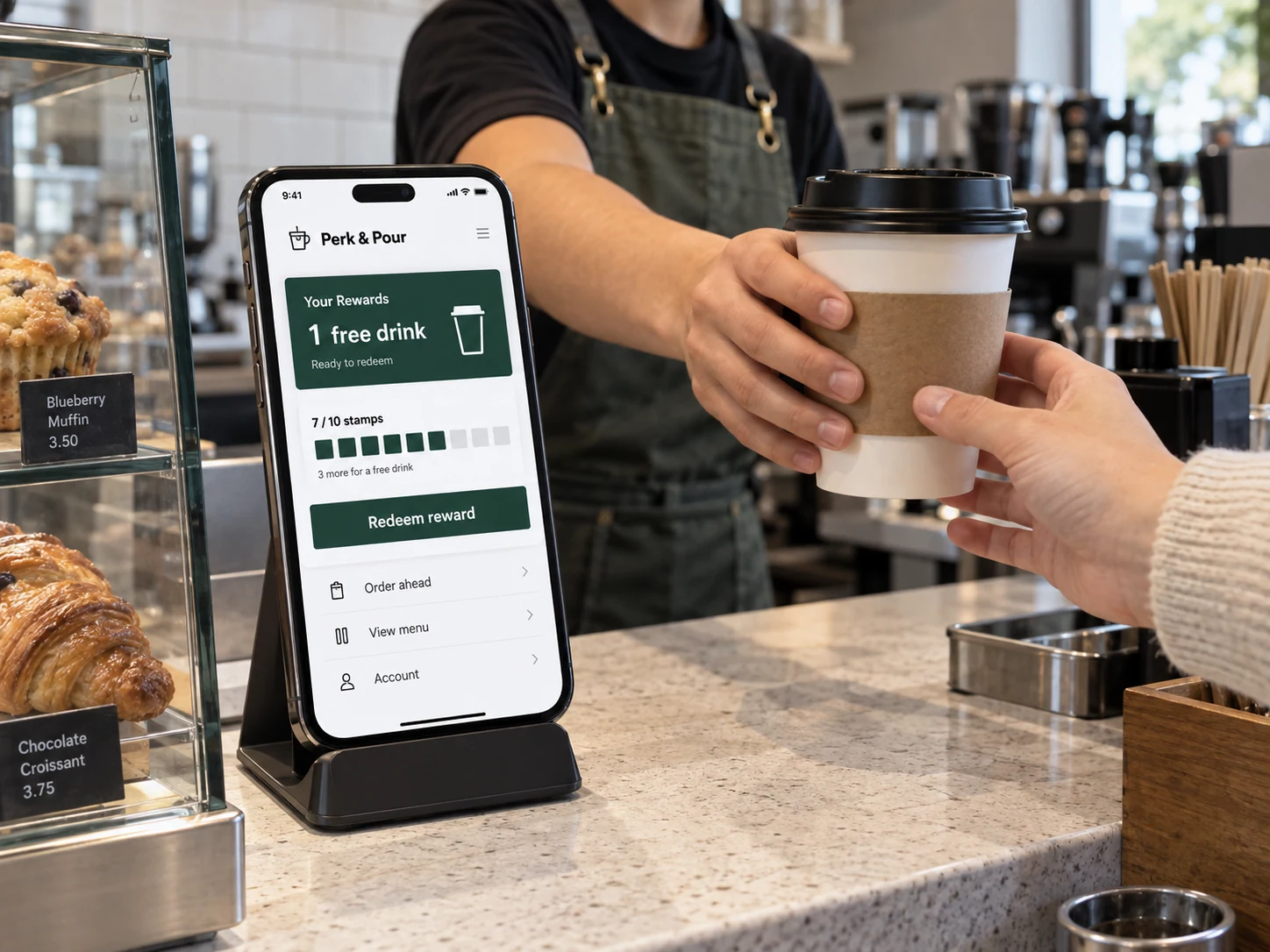
Smartphone on café counter stand displays fictional 'Perk & Pour' loyalty app with clear reward card and 'Redeem reward', barista hands pass a coffee cup beside the screen

A practical loyalty experience

Present available rewards, account information and redemption steps in a focused customer app.
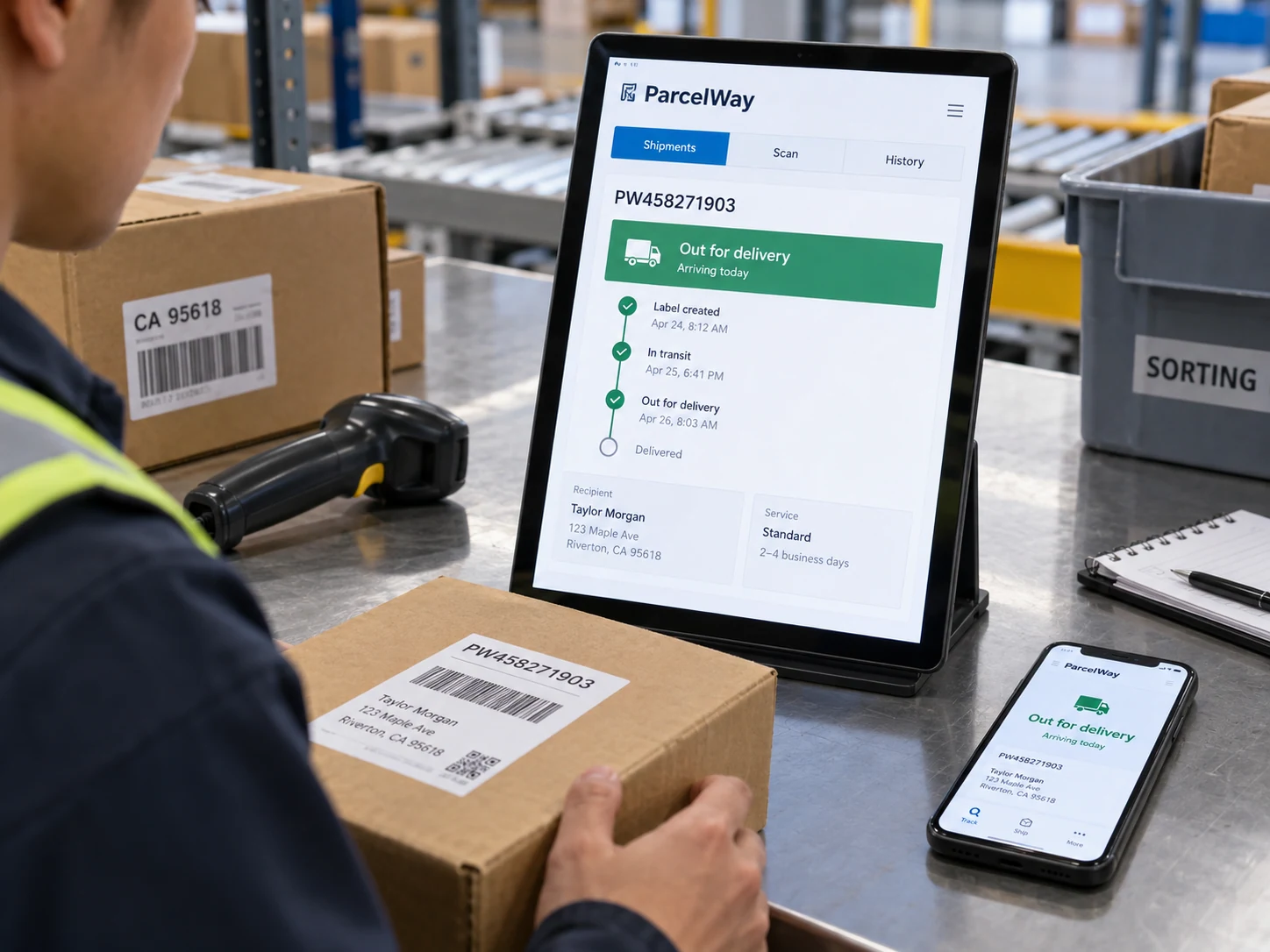
Courier at a package sorting table checking delivery status on a mounted portrait tablet titled 'ParcelWay', phone lying face-up shows matching 'Out for delivery'

Delivery updates people can use

Support a dispatch team with clear job assignments and customer-facing updates around each delivery stage.

What the service can include

SCOPE BY AGREEMENT
Create experiences around your users.
3Experience design priorities

Define the actions people need to complete and design a clear route through them. We connect navigation, screen layouts and feedback so the application feels consistent across key journeys.
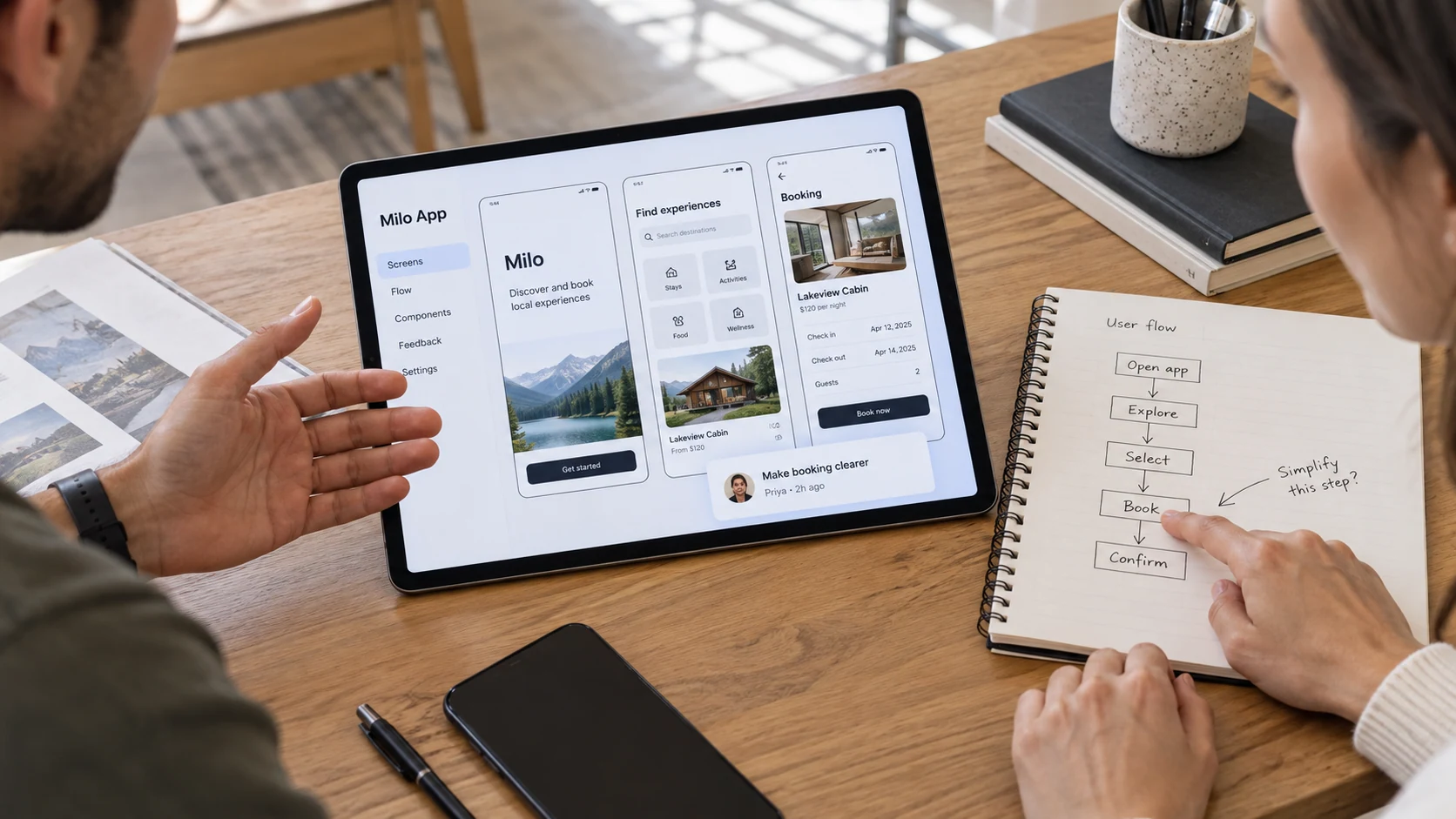
  • User journeys
  • Interface design
  • Usability review
A designer and customer discuss mobile app screens on a landscape tablet resting between them, faces cropped, notebook maps steps, one finger points to paper not screen
Connect the product from interface to data.
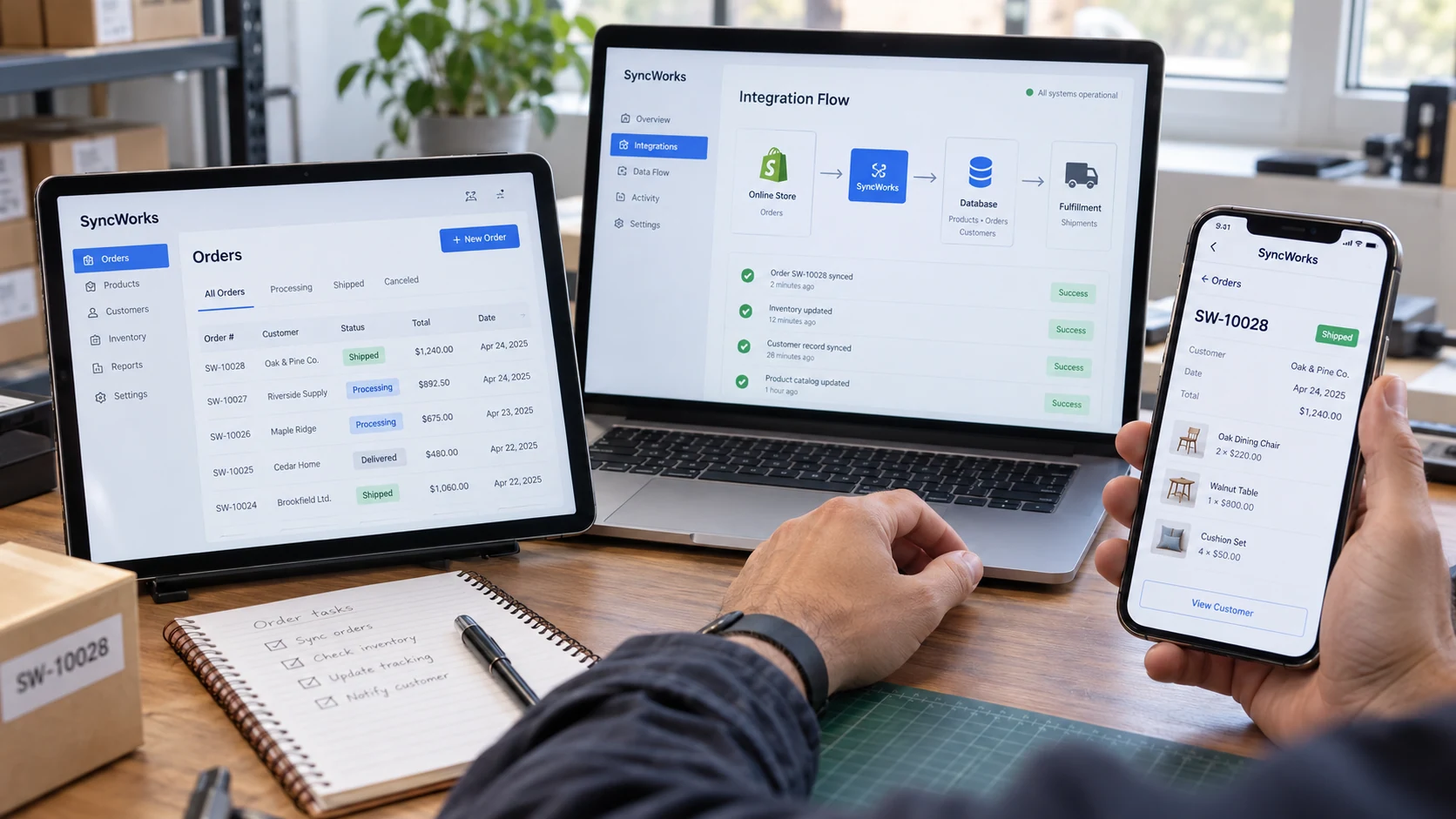
4Application layers

Build the agreed product as a connected system. We plan how screens, rules, data and supported integrations work together before moving into development.
  • Application interface
  • Business logic
  • Data storage
  • Service integrations
Phone and tablet foreground show a fictional 'SyncWorks' order application with visible connected record, while laptop behind displays a simple matching data and integration flow inside its physical screen
Prepare for real-world use.
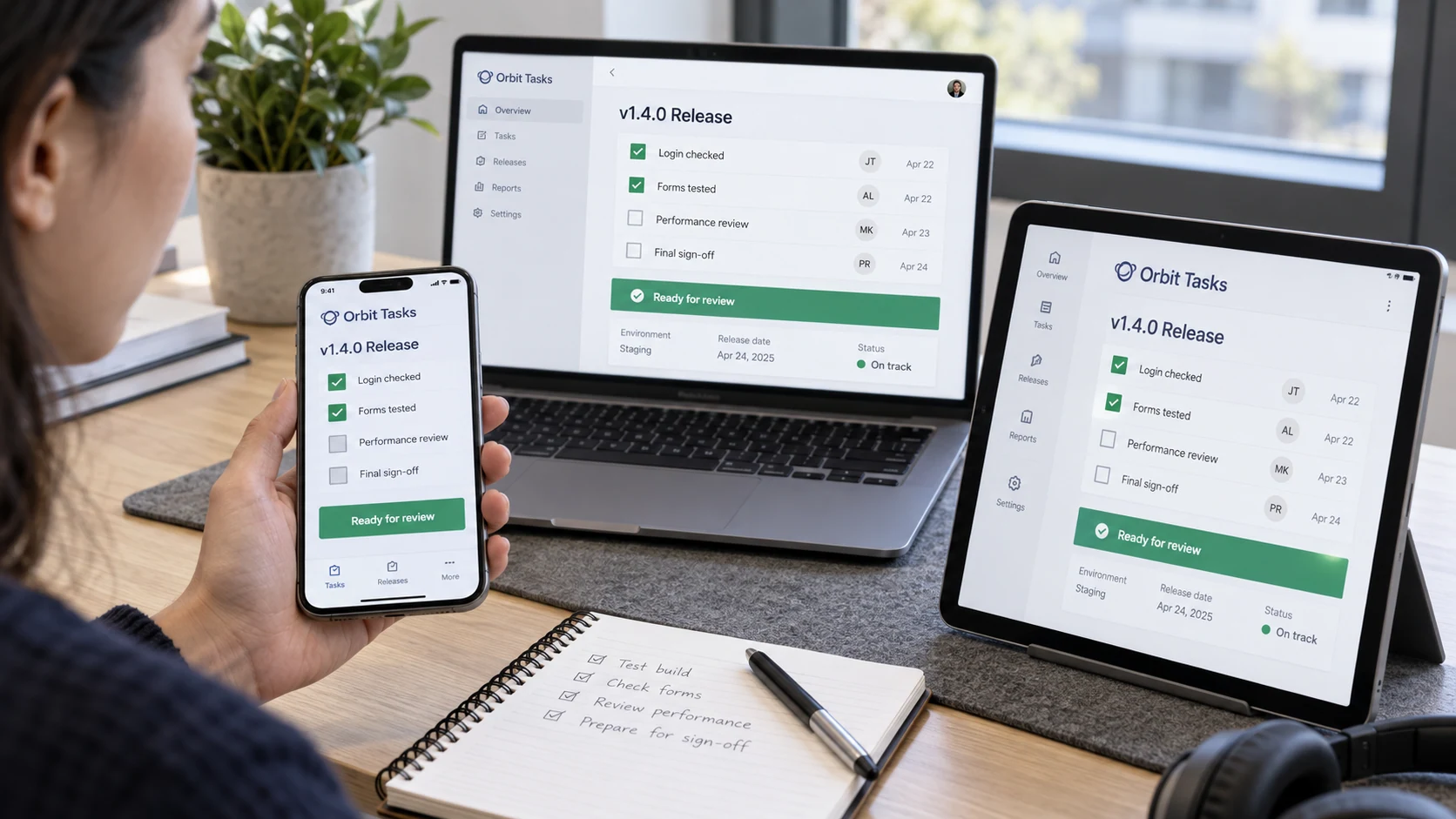
3Delivery checks

Test expected tasks and important exceptions, review user access and prepare the release process. Your team receives guidance on the agreed administration and support arrangements.
  • Functional testing
  • Access and error handling
  • Handoff and release planning
Quality tester at desk with phone in a LEFT hand and tablet on stand, both display fictional 'Orbit Tasks' release checklist, clear 'Login checked', 'Forms tested', 'Ready for review'
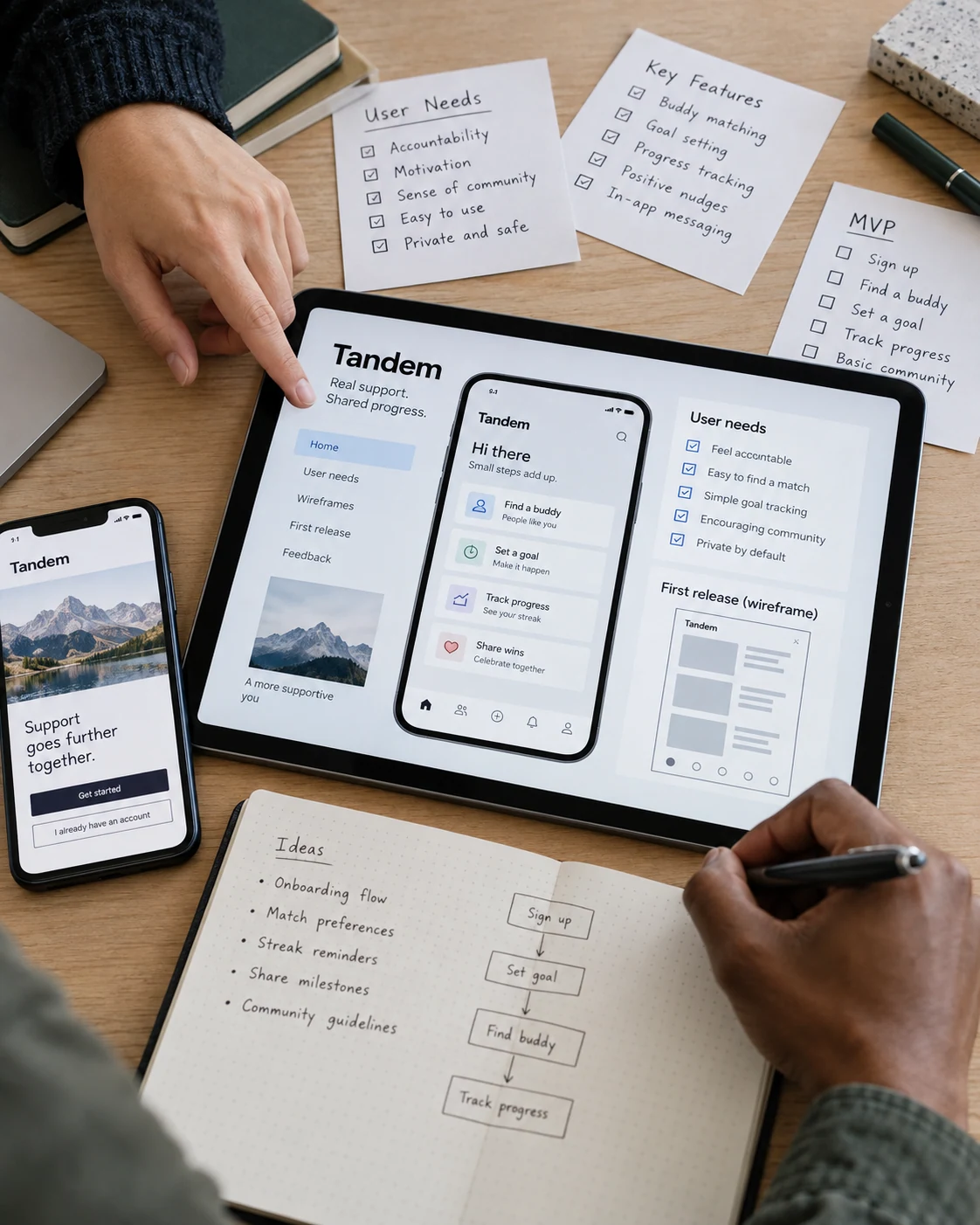
Portrait close photo of two collaborators framing a mobile app idea, tablet flat on desk with 'Tandem' user needs and first-release wireframe, phone and handwritten needs cards nearby
01 / FOCUS

Start with the essential journey.

Choose the tasks that make the first release useful. We map how people move through the application, what information they need and where a clear interface can reduce unnecessary steps.

Discuss Your Requirements ↗
02 / CONTROL

Connect the systems behind it.

Plan APIs, data flows and staff access alongside the customer experience. Integration requirements and provider limits are reviewed before implementation so responsibilities stay clear.

Discuss Your Requirements ↗
03 / DEVELOP

Build a product you can develop further.

Launch with an agreed scope, tested workflows and a practical handoff. Feedback from real use helps shape future releases without losing sight of the original business goals.

Discuss Your Requirements ↗
FAQ

Questions about
Web & Mobile Apps.

Do you build both web and mobile applications?

Yes. We plan web and mobile experiences around the project requirements, intended devices and available budget. The platform approach is agreed during discovery.

Can you connect an app to our existing systems?

We assess available APIs, permissions and data requirements before confirming an integration.

Can we start with a smaller first release?

Yes. We can define a focused first version around the most important journeys and maintain a roadmap for future features.

How do you test an application?

Testing covers agreed user journeys, important exceptions, access controls and relevant devices or browsers. The test scope is defined with the project.

What happens after launch?

We provide the agreed handoff and documentation. Ongoing maintenance, support and feature development can be scoped separately.

READY FOR YOUR NEXT CHAPTER?

Let’s turn your idea
into a useful application.

Tell us about your project