



Website errors
Investigate critical errors, broken pages, failed updates and plugin or theme conflicts.
CODEYEA
Support is checking the issue.
Handcrafted food and coffee, made with care.
EXPLORE THE MENU ↗Website down, WordPress broken or your server under pressure? CODEYEA investigates the problem across your website, database, hosting and DNS, then works through a clear repair plan.
From a failed update to a complex migration, get your website moving again with practical technical support.
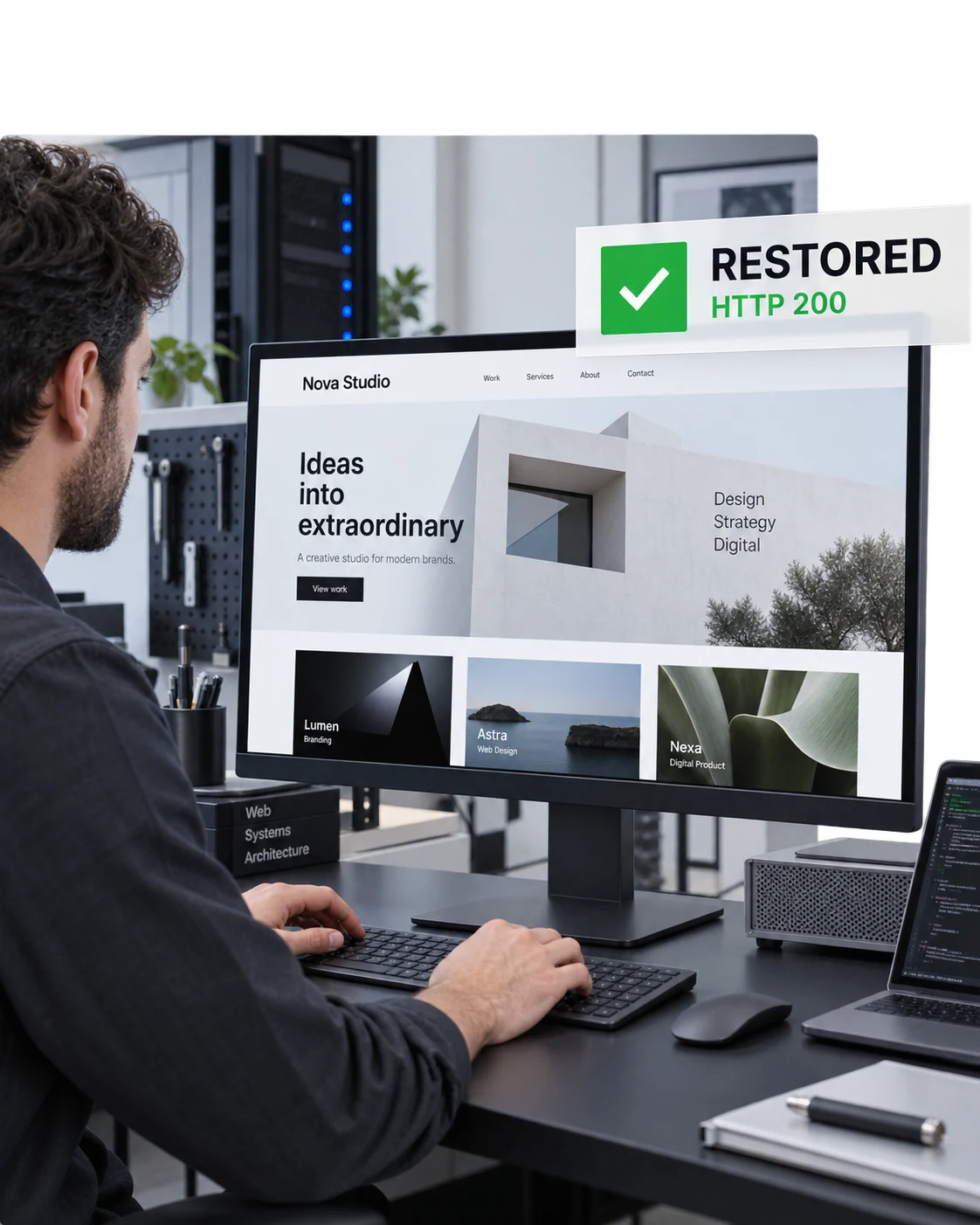

A critical error, unexpected redirect or overloaded server can interrupt the whole customer journey. The visible symptom is only the starting point: fixing the underlying cause matters just as much.
We review the impact, recent changes and available logs, then agree the next steps. Work is prioritised around restoring essential functionality and reducing repeat problems.
Investigate critical errors, broken pages, failed updates and plugin or theme conflicts.
Trace server errors, DNS failures, SSL problems and unusual resource consumption.
Assess compromised websites, damaged databases and available backups before planning recovery.
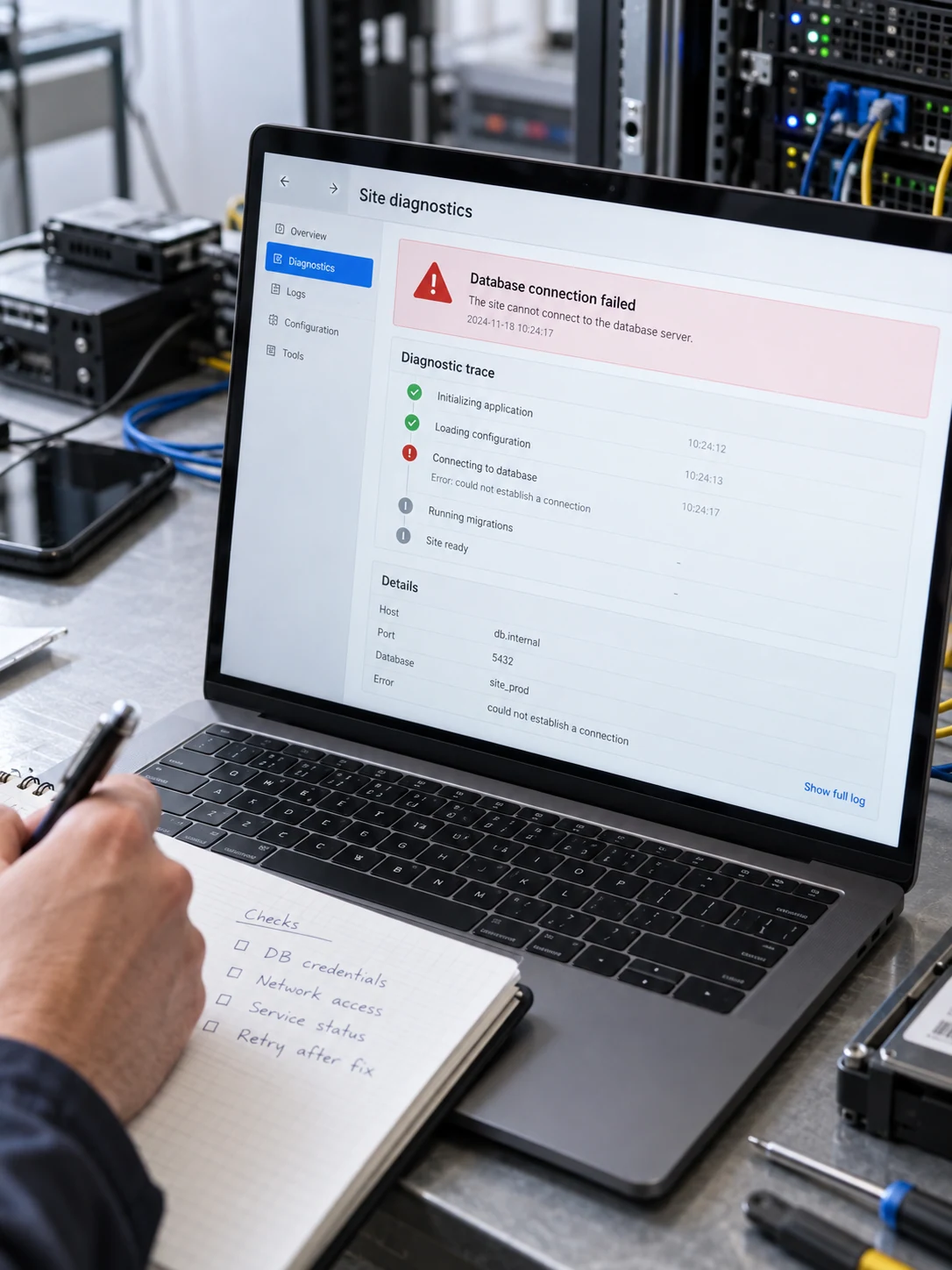
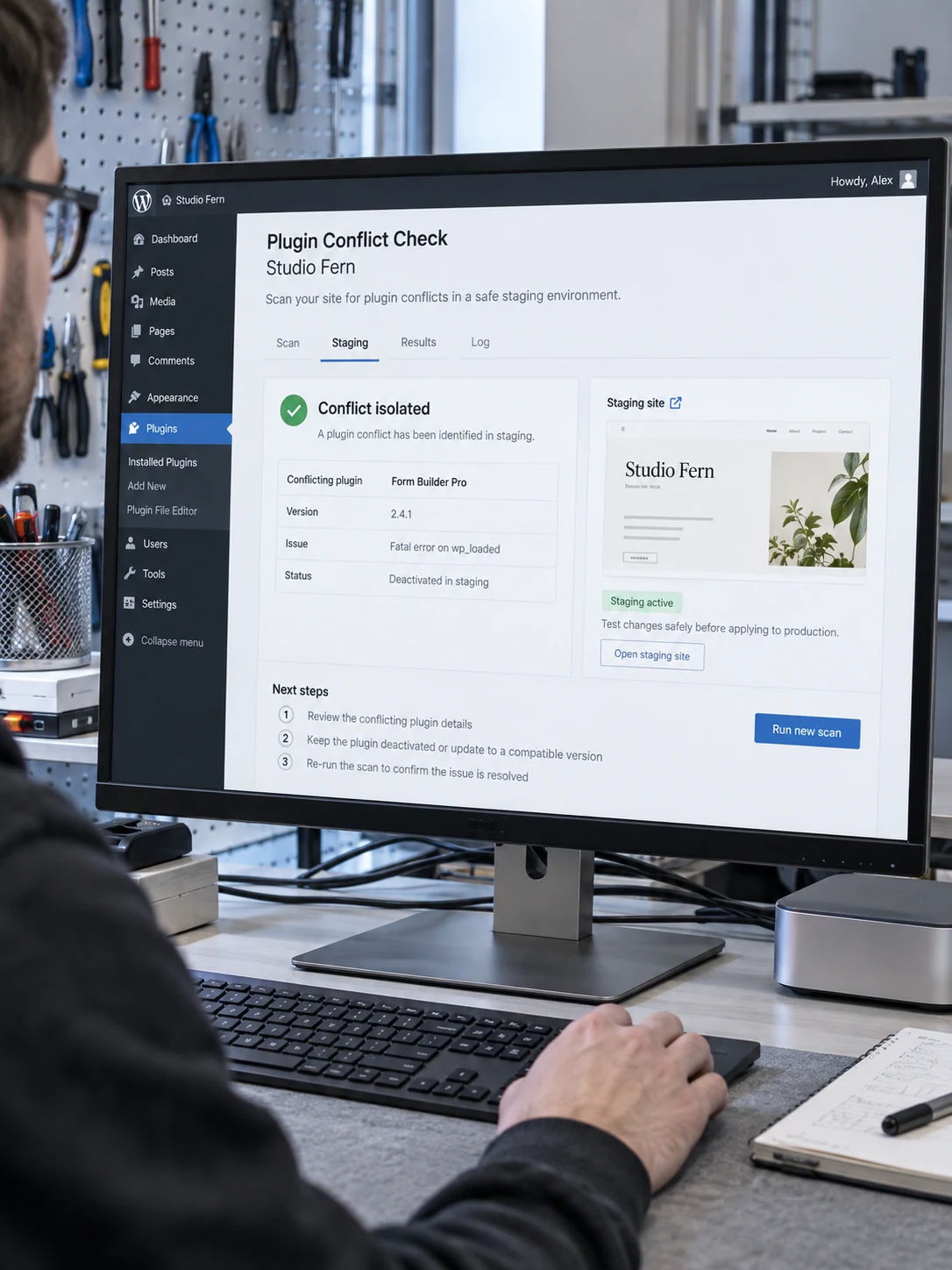
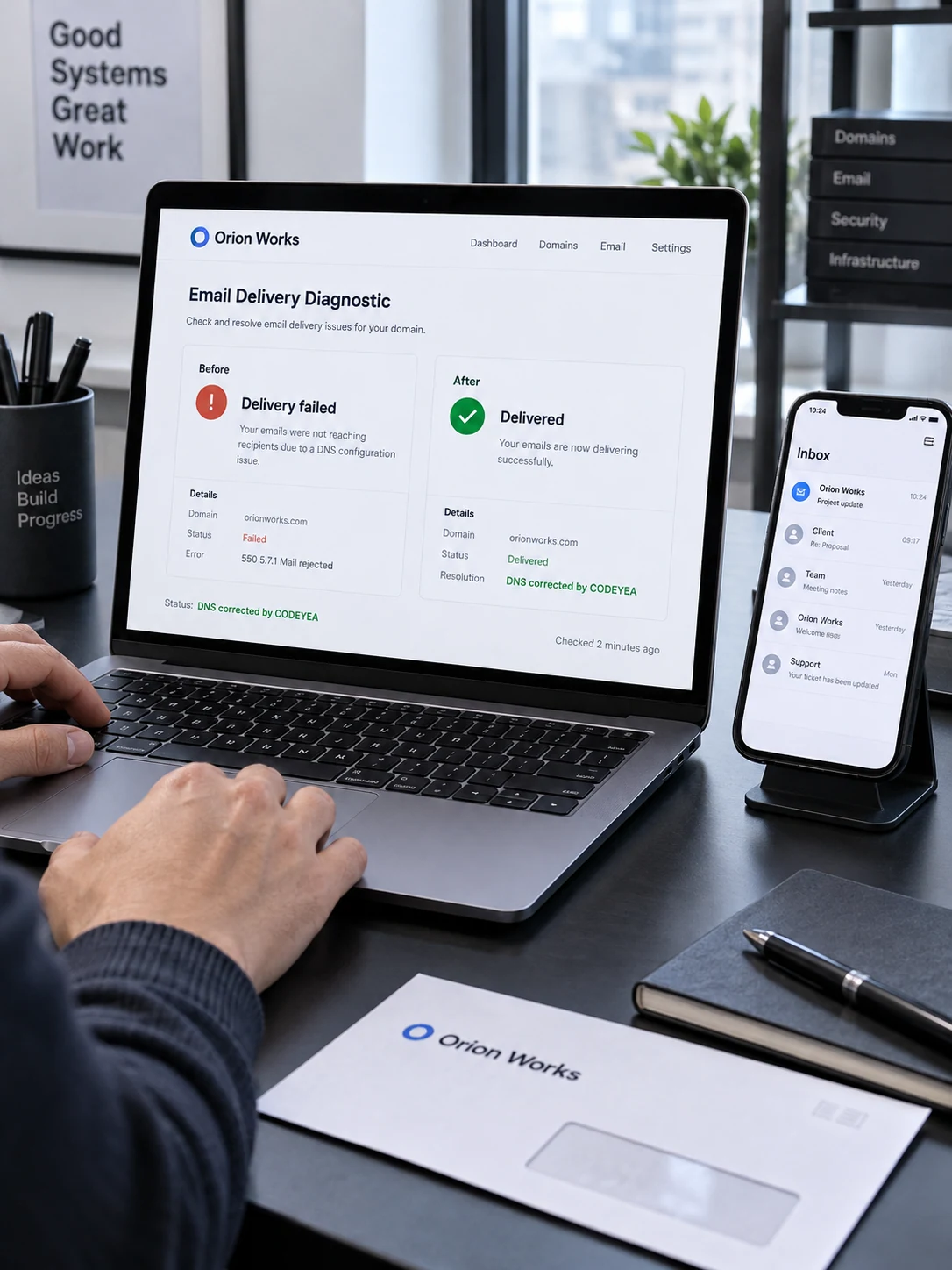
Technical problems often cross more than one layer. We connect website checks with hosting, database and DNS investigation so the repair addresses the issue in context.
Review symptoms, business impact, recent changes and the access needed to investigate.
Check available backups and agree the repair scope, priorities and rollback approach.
Apply the agreed changes and test affected pages, forms and essential website functions.
Document the work, explain remaining issues and recommend relevant follow-up actions.
practical repairs and recovery planning to help your website, database and hosting work together again.Keep your CODEYEA-hosted website maintained with a monthly care plan, or book technical help for a specific issue wherever your site is hosted.
Proposed USD pricing and inclusions for review , subject to final confirmation.
Routine WordPress care for a business website that needs a reliable maintenance rhythm.
| Coverage | 1 WordPress website on CODEYEA hosting |
|---|---|
| Updates | Monthly core, plugin & theme updates |
| Backup checks | Before scheduled changes; hosting retention applies |
| Health checks | Monthly uptime, SSL & security review |
| Included support | 30 minutes / month for minor fixes |
| DNS & HTTPS | Basic checks within included time |
| Reporting | Monthly maintenance summary |
| Recovery & migration | Quoted separately under hourly support |
More frequent maintenance and technical attention for an active website or online store.
| Coverage | 1 WordPress or WooCommerce site on CODEYEA |
|---|---|
| Updates | Weekly updates; staging for higher-risk changes |
| Backup checks | Before changes + monthly restore test |
| Health checks | Weekly security review + key form/checkout checks |
| Included support | 2 hours / month for fixes & troubleshooting |
| Performance | Monthly caching, database & resource review |
| Reporting | Monthly work summary & recommendations |
| Recovery & migration | Uses included hours; excess work quoted first |
Focused technical work when you need a repair, recovery or migration without a monthly plan.
| Coverage | Agreed website or server task |
|---|---|
| WordPress & website | Critical errors, conflicts & broken functionality |
| Recovery | Malware cleanup & available-backup restoration |
| Database | Connection errors, repair & recovery assessment |
| Migration | Files, database, configuration & DNS cutover |
| Infrastructure | Web server, DNS, SSL & resource diagnostics |
| Billing | 1-hour minimum, then 30-minute increments |
| Work approval | Estimate and time limit agreed before work |
Monthly care is an add-on to active CODEYEA hosting, not a hosting replacement. Included support time resets monthly and does not roll over. Existing issues are assessed before onboarding. Hosting fees, paid licences and new feature development are separate. Backup retention follows your hosting plan; recovery depends on usable data. Extra work requires an approved estimate. Response arrangements are confirmed when you subscribe.
Investigate the behaviour that changed, isolate likely conflicts and review relevant logs. We repair agreed issues and test the functions affected by the change, including forms and important customer journeys.
Review whether the bottleneck is in the application, database, server or network configuration. We investigate resource-heavy processes, caching and service errors before recommending tuning or capacity changes.

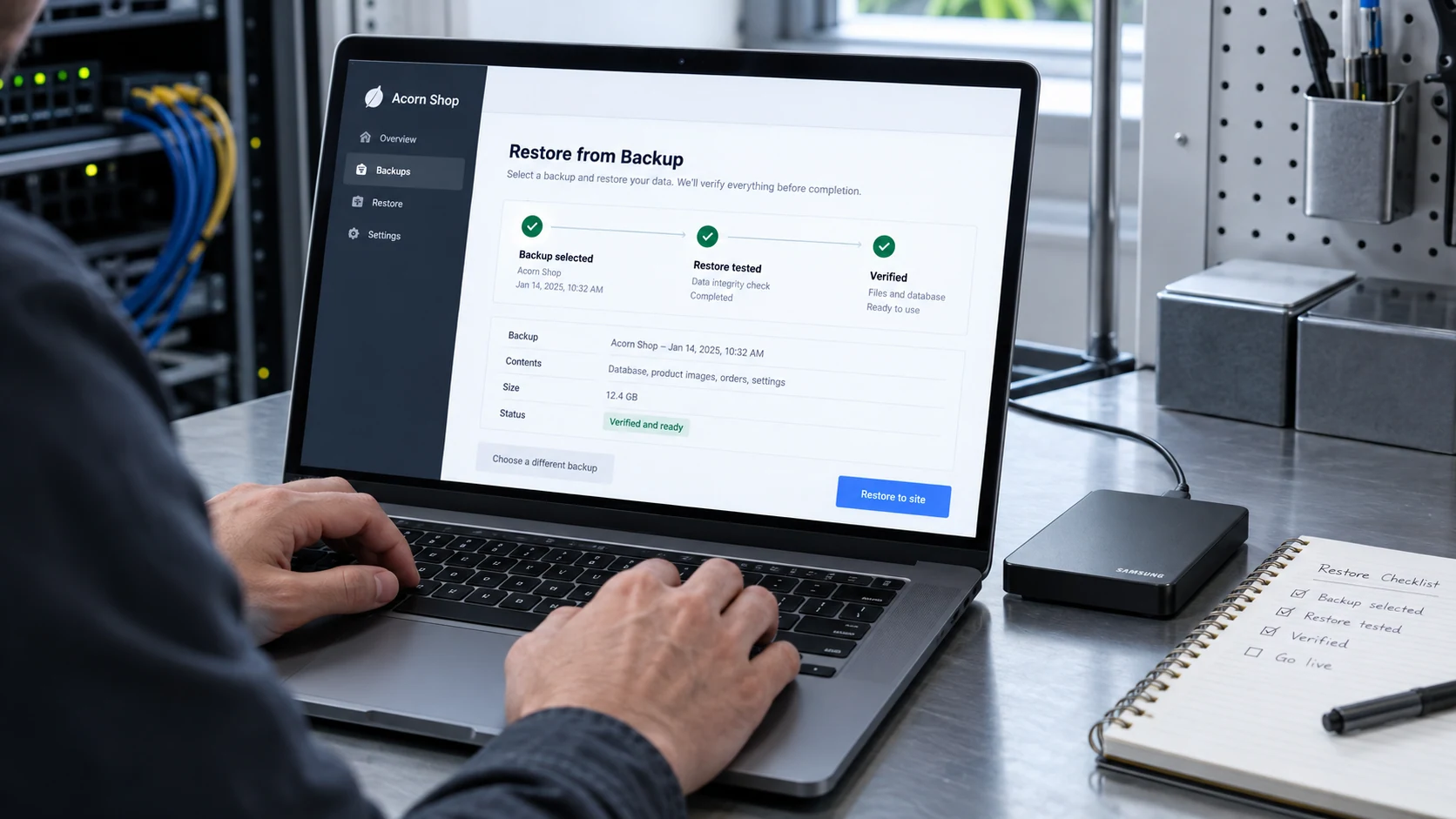
Assess available backups and the condition of the website before choosing a recovery path. Migrations include destination checks and an agreed cutover; compromised-site work includes cleanup, access review and investigation of likely entry points.
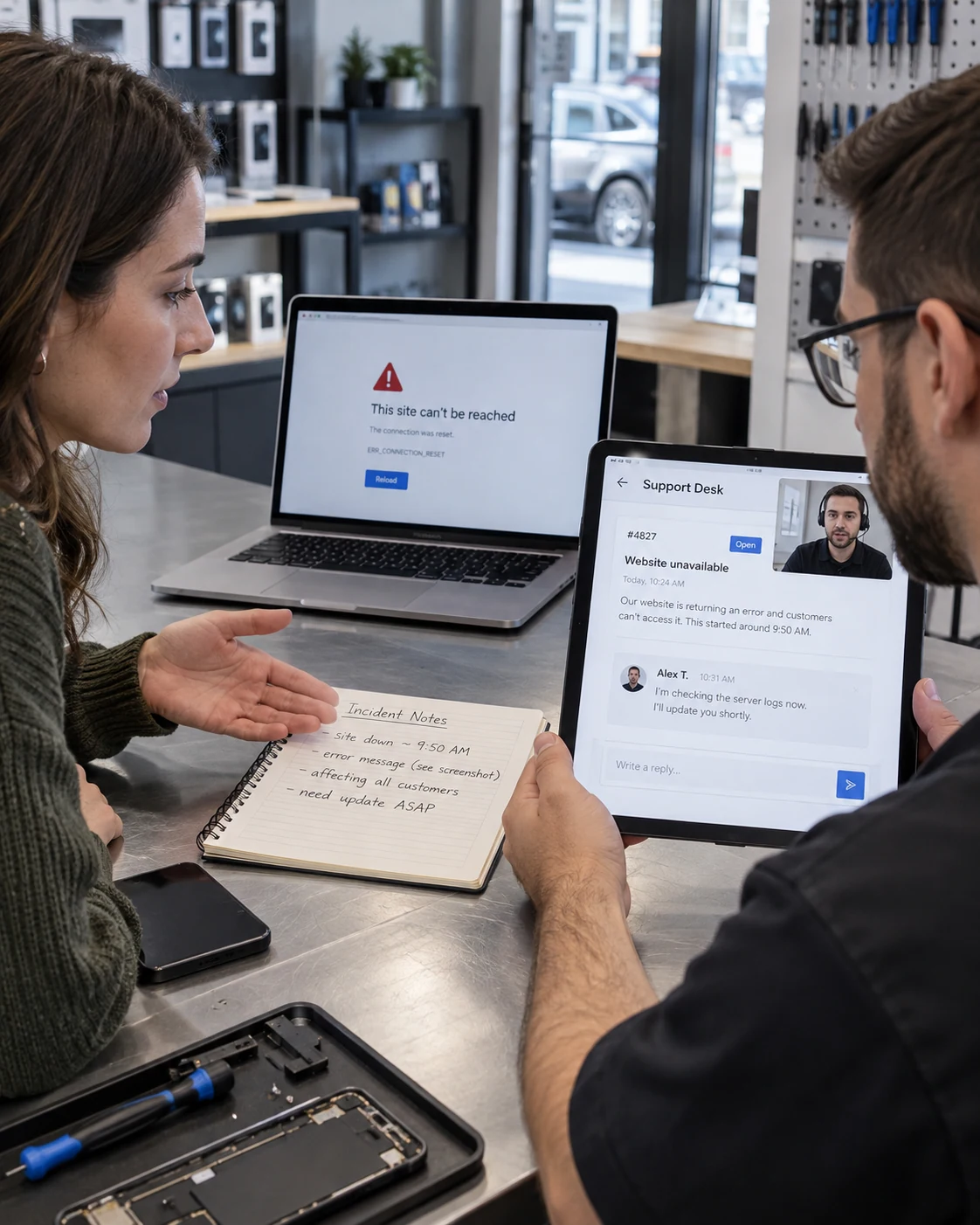
Share the affected URL, visible error and when the problem started. We use that context alongside logs and recent changes to distinguish application failures from hosting or DNS issues, then prioritise the functions your business needs most.
Discuss Your Requirements ↗Plan the destination, copy files and the database, review configuration and test before the DNS cutover. For active stores or frequently updated sites, agree how to handle new content during the move. Verify the site again after the switch.
Discuss Your Requirements ↗For a compromised website, assess the incident, preserve useful evidence and check recovery options. Cleanup is followed by credential and access review, relevant updates and functional checks. Database recovery depends on the available backups and the extent of damage.
Discuss Your Requirements ↗We cover WordPress errors, plugins and themes, web server issues, DNS, SSL, website migrations, database problems, hacked-site recovery and high resource usage. The exact scope is confirmed after reviewing your setup.
We assess the affected system and available backups, then recommend cleanup, restoration or another recovery approach. Recoverability depends on the damage and the quality of available data; full recovery cannot be promised before assessment.
Yes. We can plan file and database transfer, configuration changes, testing and DNS cutover. We agree how to handle live content or orders and any expected interruption before the move.
Possible causes include heavy requests, inefficient queries, background jobs, plugin behaviour or unwanted traffic. We inspect the available evidence to identify the cause before recommending changes or additional resources.
Open a support request with the website address, symptoms, when they started and any recent changes. Do not put passwords in the initial message. We confirm the required access, scope, cost and expected timing after reviewing the issue.